
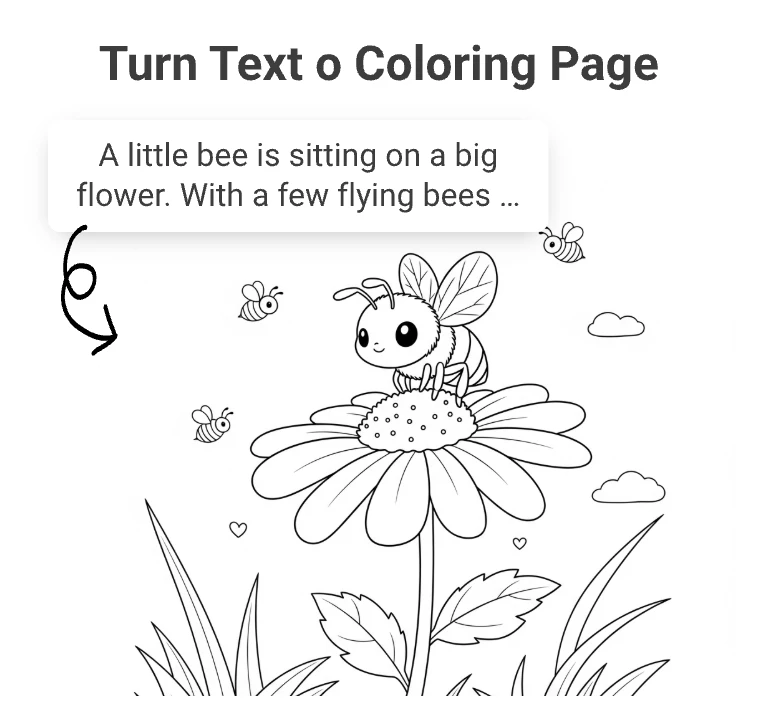
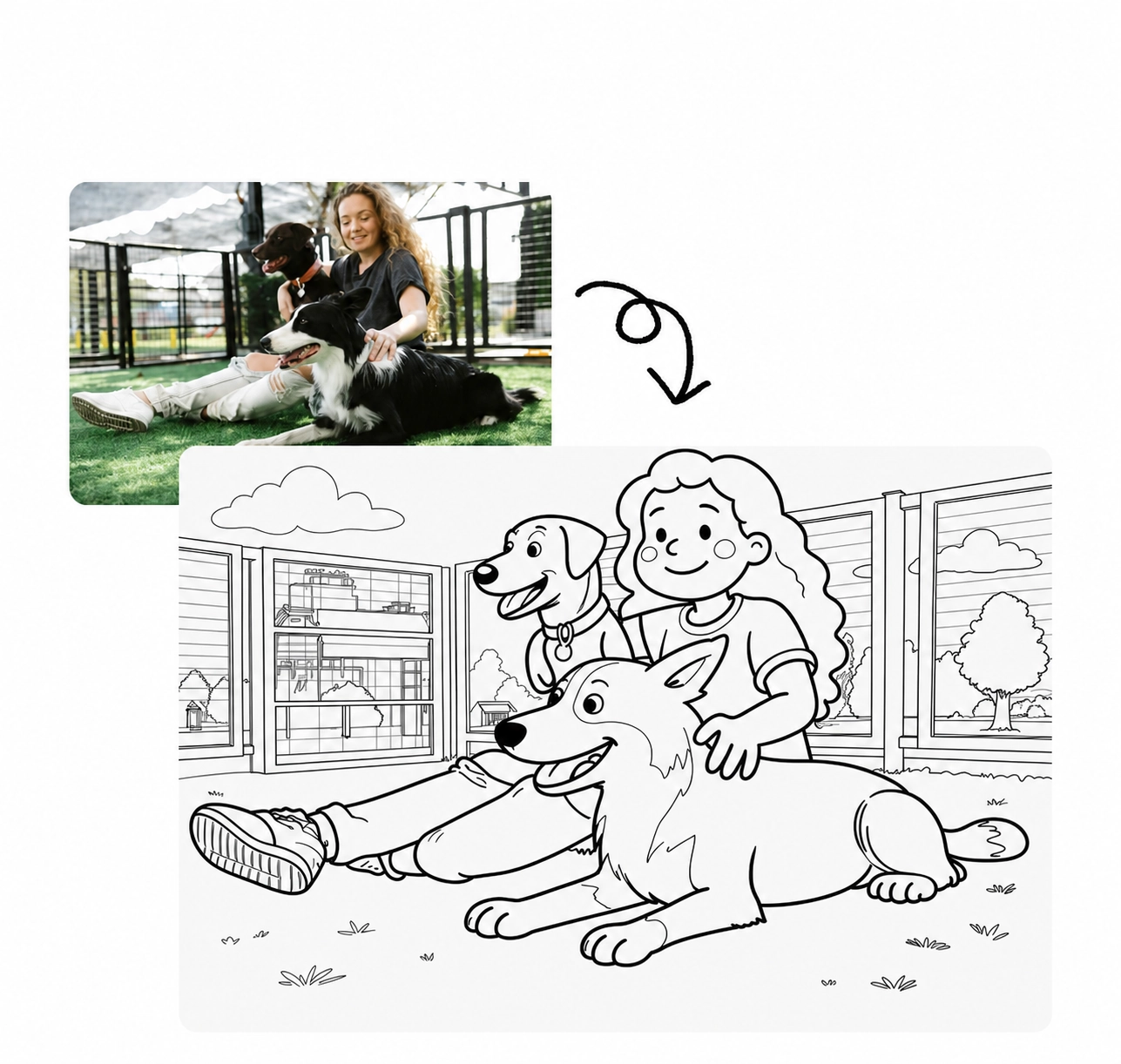
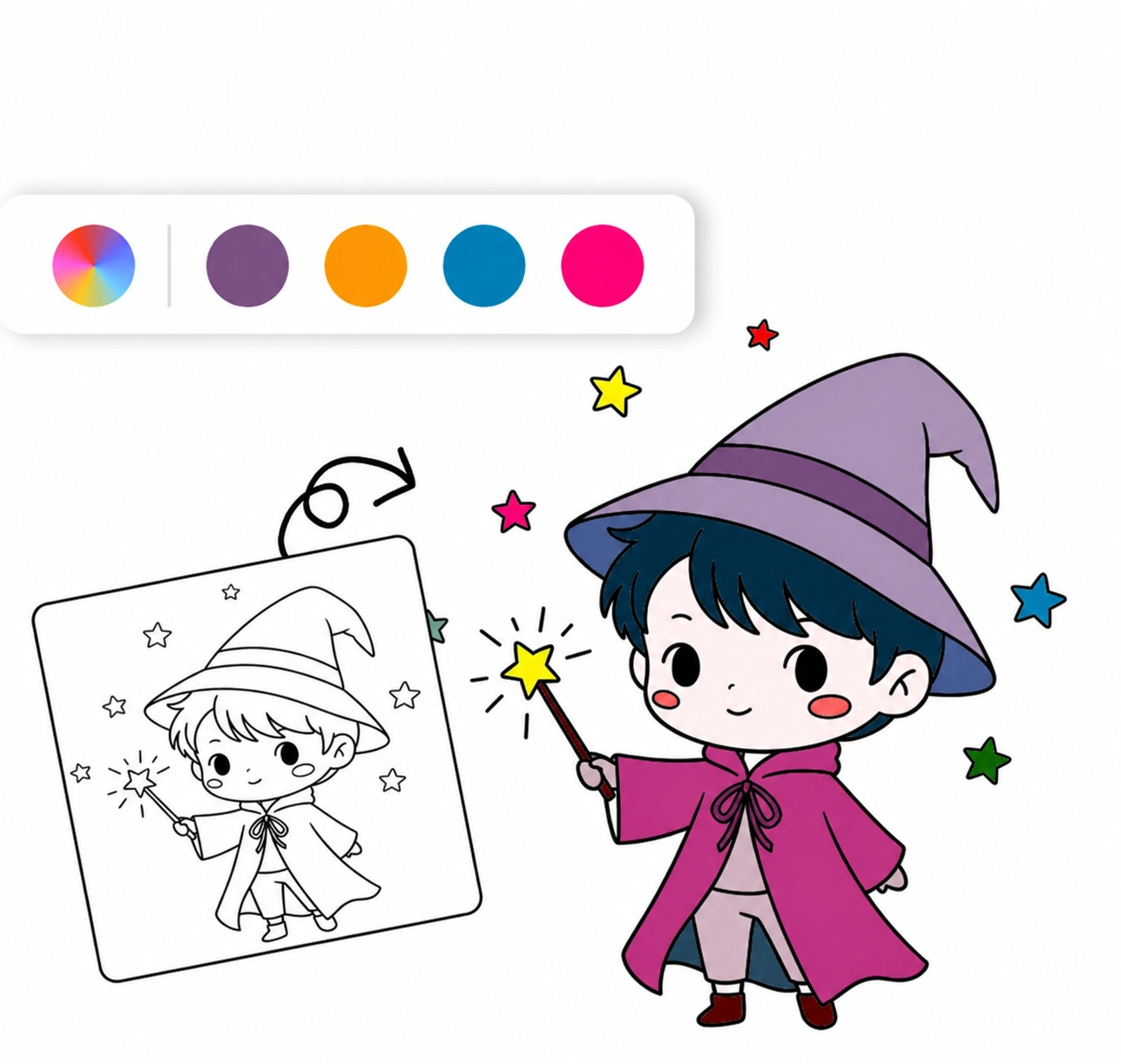
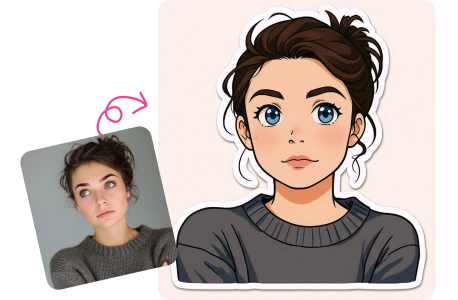
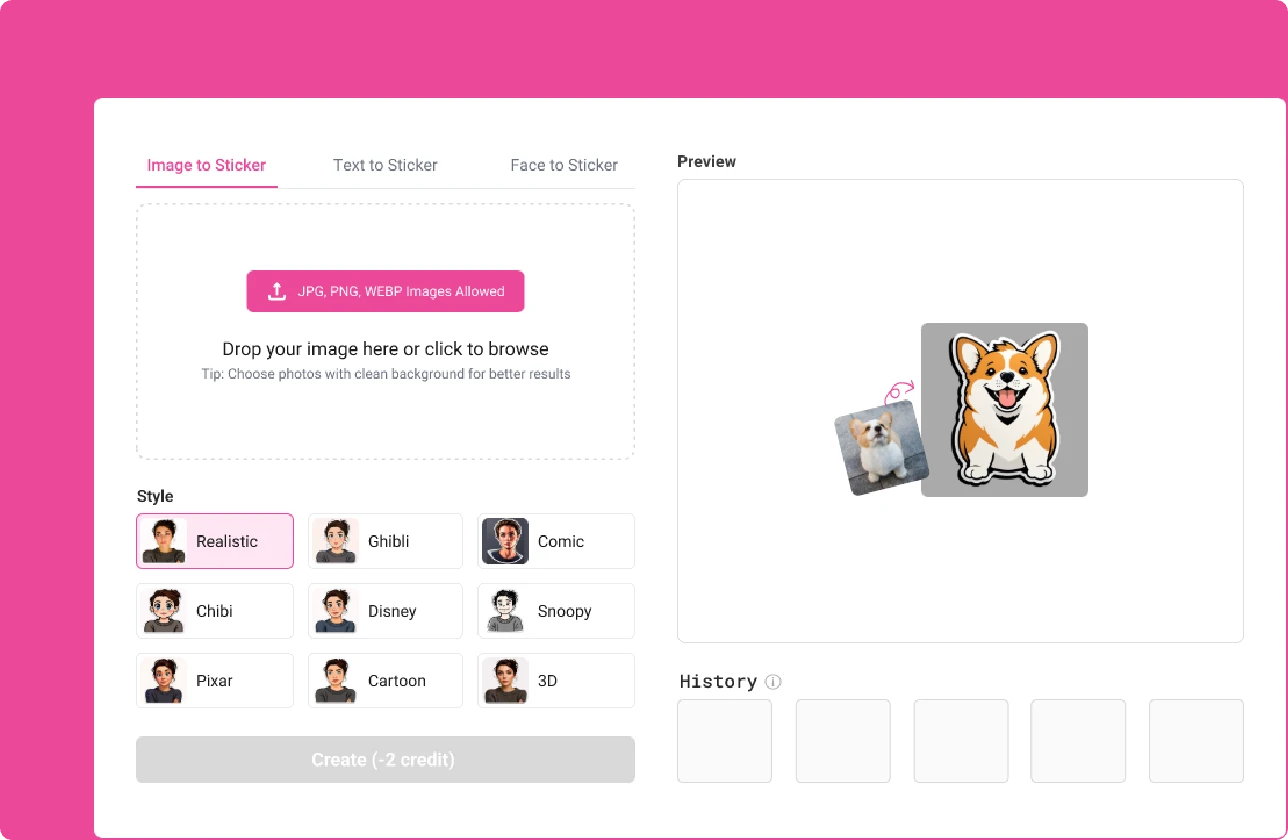
Using the iColoring AI sticker generator, simply upload a photo or describe the sticker you want. The AI will convert and generate it for you, completely free and with no app download required.
Face to Sticker
2
make your face photo to HD sticker.
Drop your image here or click to browse
Tip: Choose photos with clean background for better results
Style
Face to Sticker
Text to Sticker
Image to Sticker
Free Online AI Sticker Generator (No Sign up)
Upload a photo or describe an idea to create high-quality, print-ready stickers.
History
Free Online AI Sticker Generator
Custom stickers easily with iColoring AI Sticker Generator. Just upload a photo or describe your idea, then AI will convert therm to high quality and print-ready stickers.
Upload Your Photo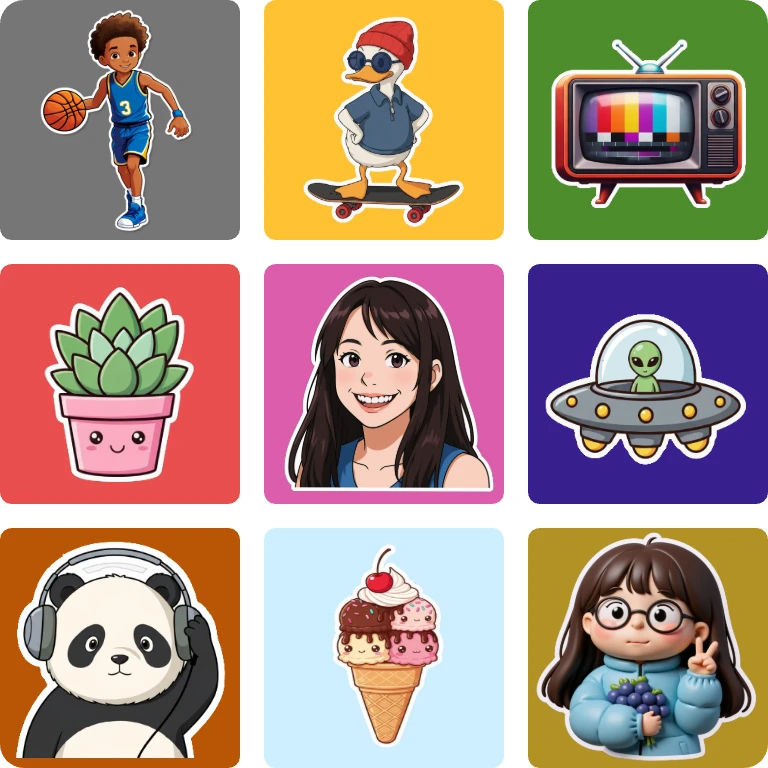
Feature
Powerful AI Sticker Generator: Turn Text & Images into Stickers
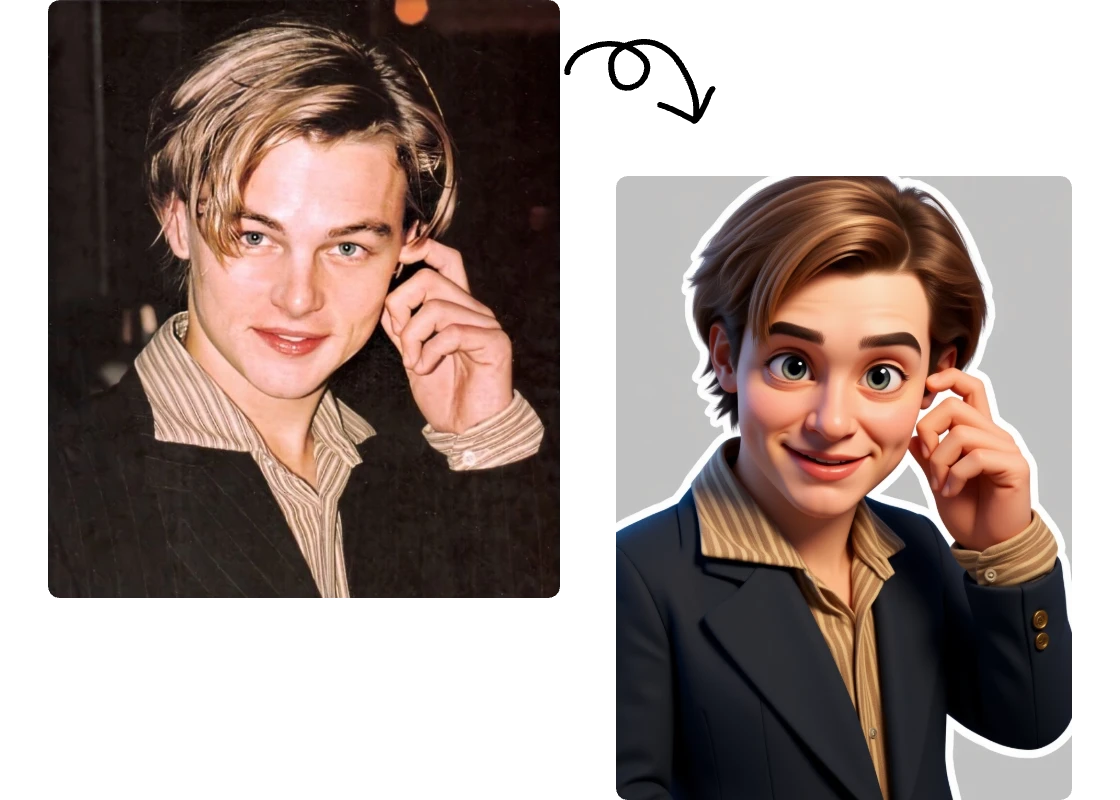
Create Personalized Stickers from Photos
You can easily transform photos of yourself, friends or your pets into unique stickers. It is a wonderful way to commemorate, also an interesting way to share joy with friends.
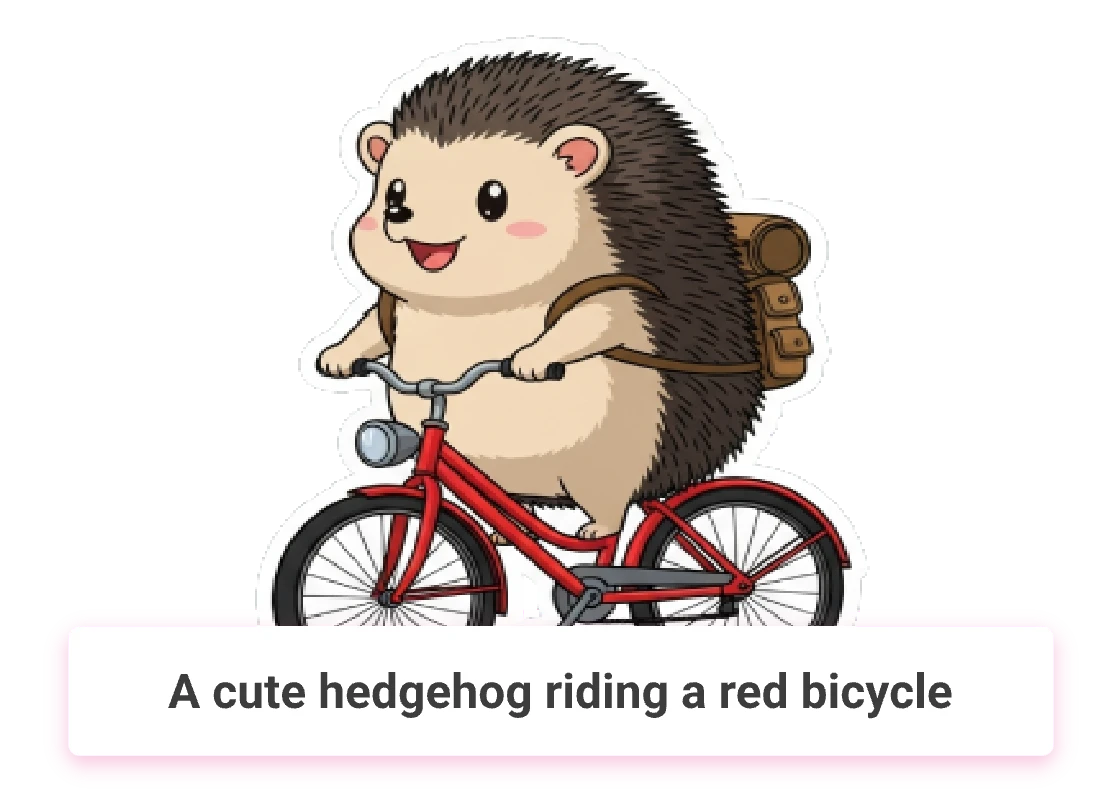
Easily Create Custom Stickers from Text
Making stickers has never been easier! Simply enter a brief description of your sticker, then our AI will automatically generate stickers that match your vision. Easily get high-quality stickers.
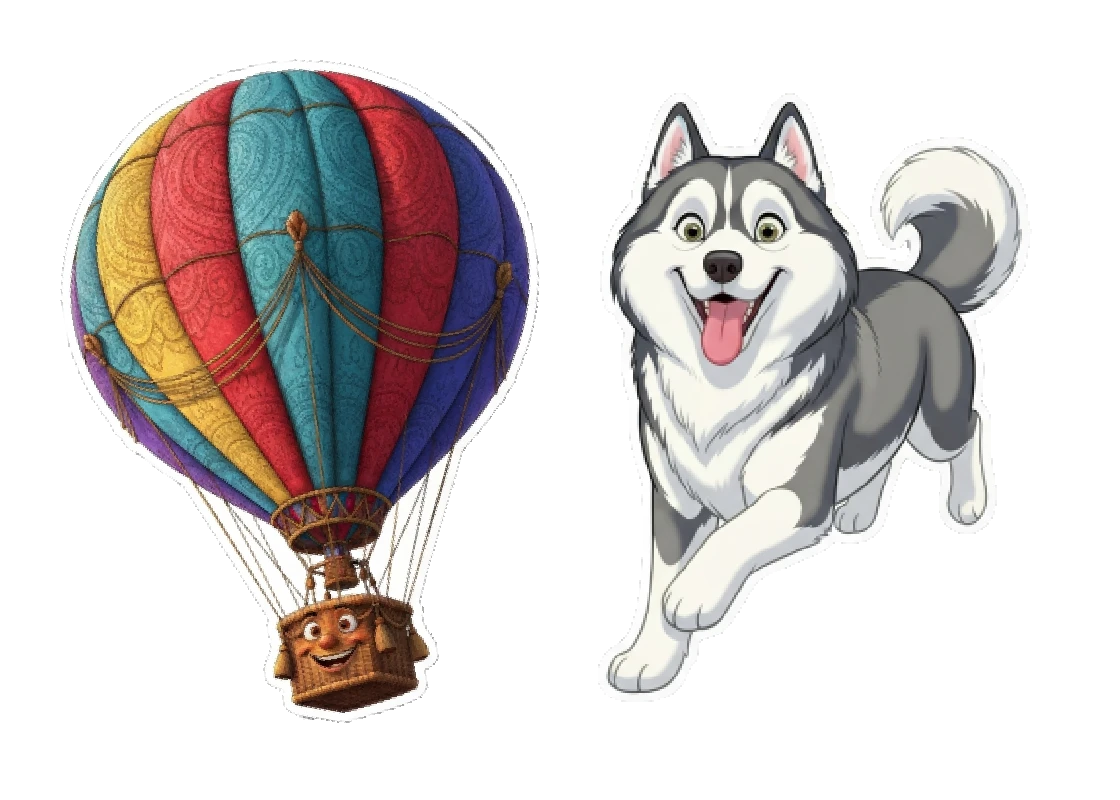
Create High-quality Stickers Effortlessly
We have introduced and trained the most cutting-edge AI models, automatically remove photo background. You only need to upload a picture or enter your ideas to get high-quality stickers.
Application
What Scenarios Can Stickers be Used for
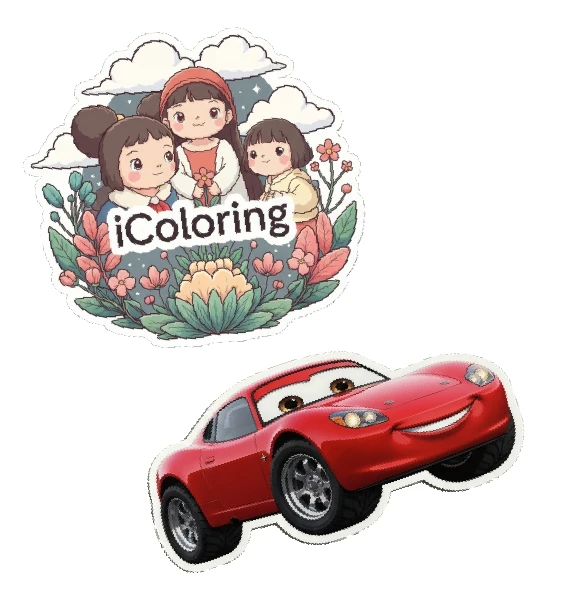
Branding Stickers
Convert your logo or product into stickers, which can be used in product sales or business activities to help promote the brand more widely.
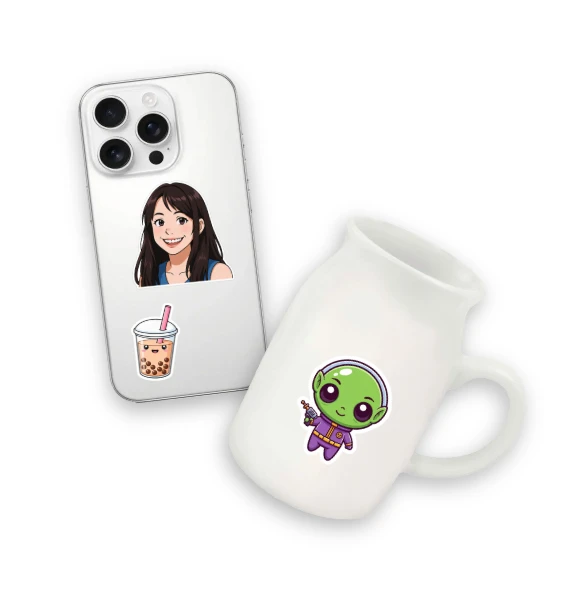
Personal use
Make your own unique stickers and use them when chatting with friends, or print them out to decorate your phone, note book, computer, etc.
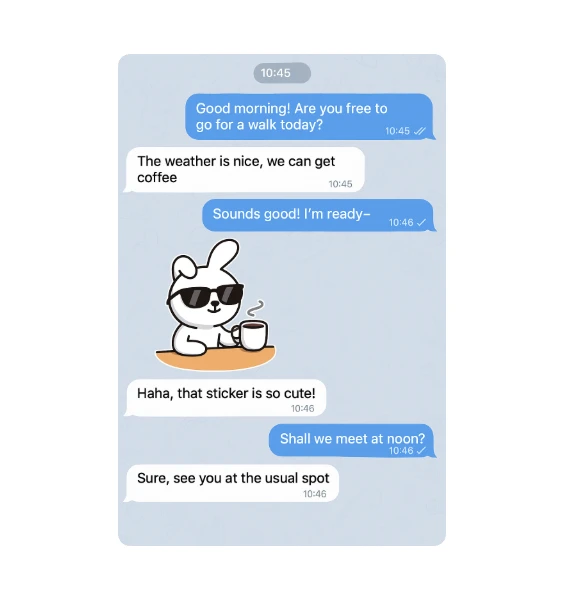
Digital Stickers
If you are a designer or artist, you can create stickers for illustrations, posters, badge, T-shirt and more. Or you can transport your artworks to stickers for fun.
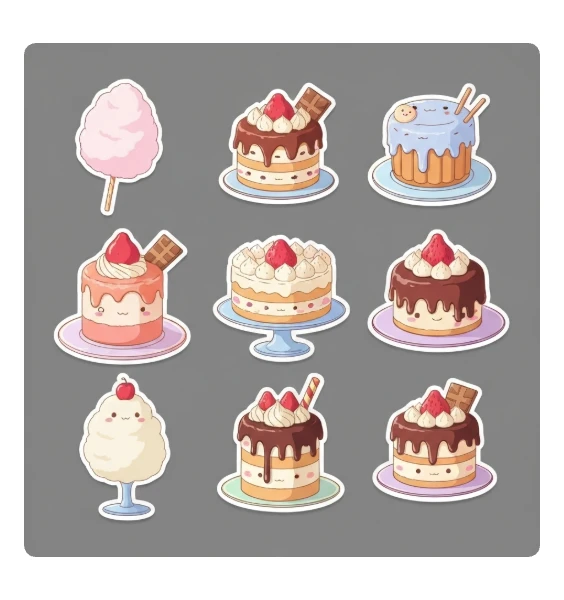
Sell Stickers
Turn your creativity into income! Use AI Sticker Generator to quickly generate personalized, high-quality sellable stickers, and start your money-making journey!
How
How to Make a Sticker with AI
1
Upload or Describe
You can upload your photo or describe the sticker you want it to be in Text to Sticker.
2
Click to Generate
Click the generate button to start generating, and wait for about 10 seconds to get the stickers you want.
3
View and Download Stickers
Click to view the large sticker image. Click the button to download sticker. Also you can continue to remove the background or generate coloring page.