
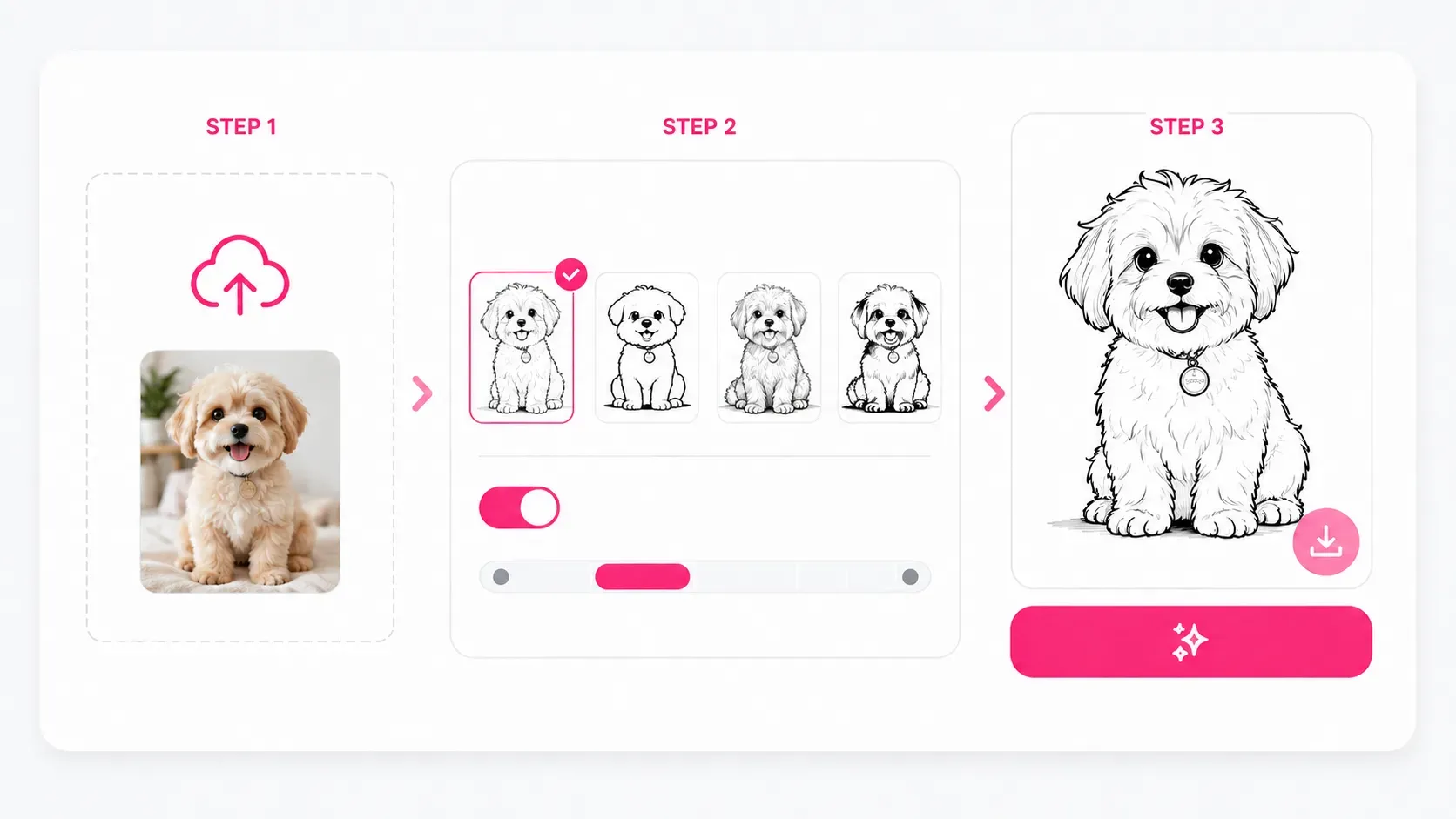
Upload your photo, choose a line drawing style, and click Generate. The tool identifies the main shapes and details in the photo, then transforms them into clear lines without requiring manual tracing or professional drawing skills.
Convert Image to Line Drawing Online for Free
Turn any photo into clean line art or a detailed outline in seconds. Choose a style, remove the background if needed, and download your line drawing in high resolution.
History
View AllNo history yet, Generated images will appear here
Turn Any Photo into a Line Drawing
Transform everyday images into adaptable line drawings for artwork, design, printing, learning, and personal projects. With different styles and levels of detail, you can stay close to the original photo or create a simpler outline that is easier to edit, print, color, or develop into something new.
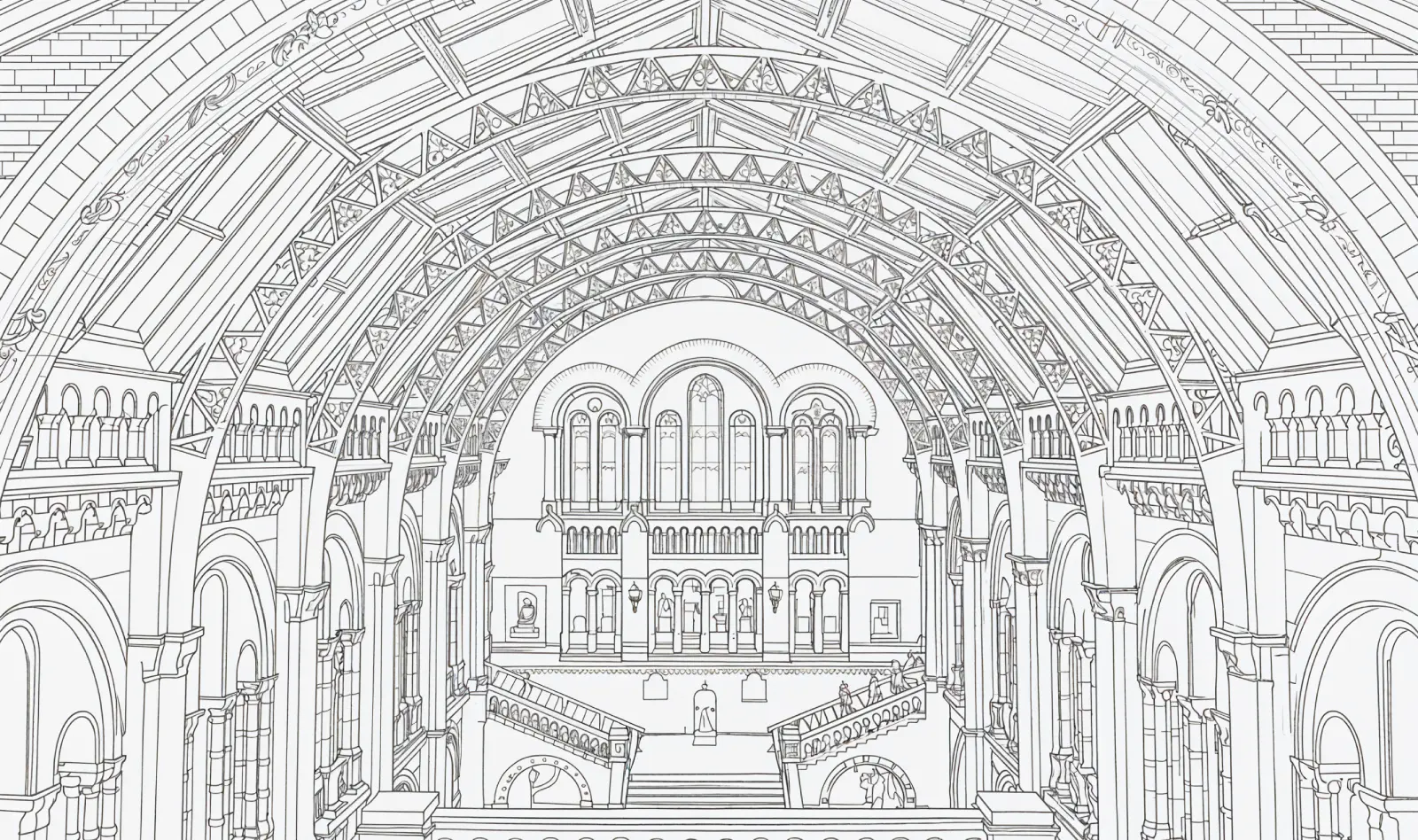
Feature
What Can You Create with an Image to Line Drawing Converter?
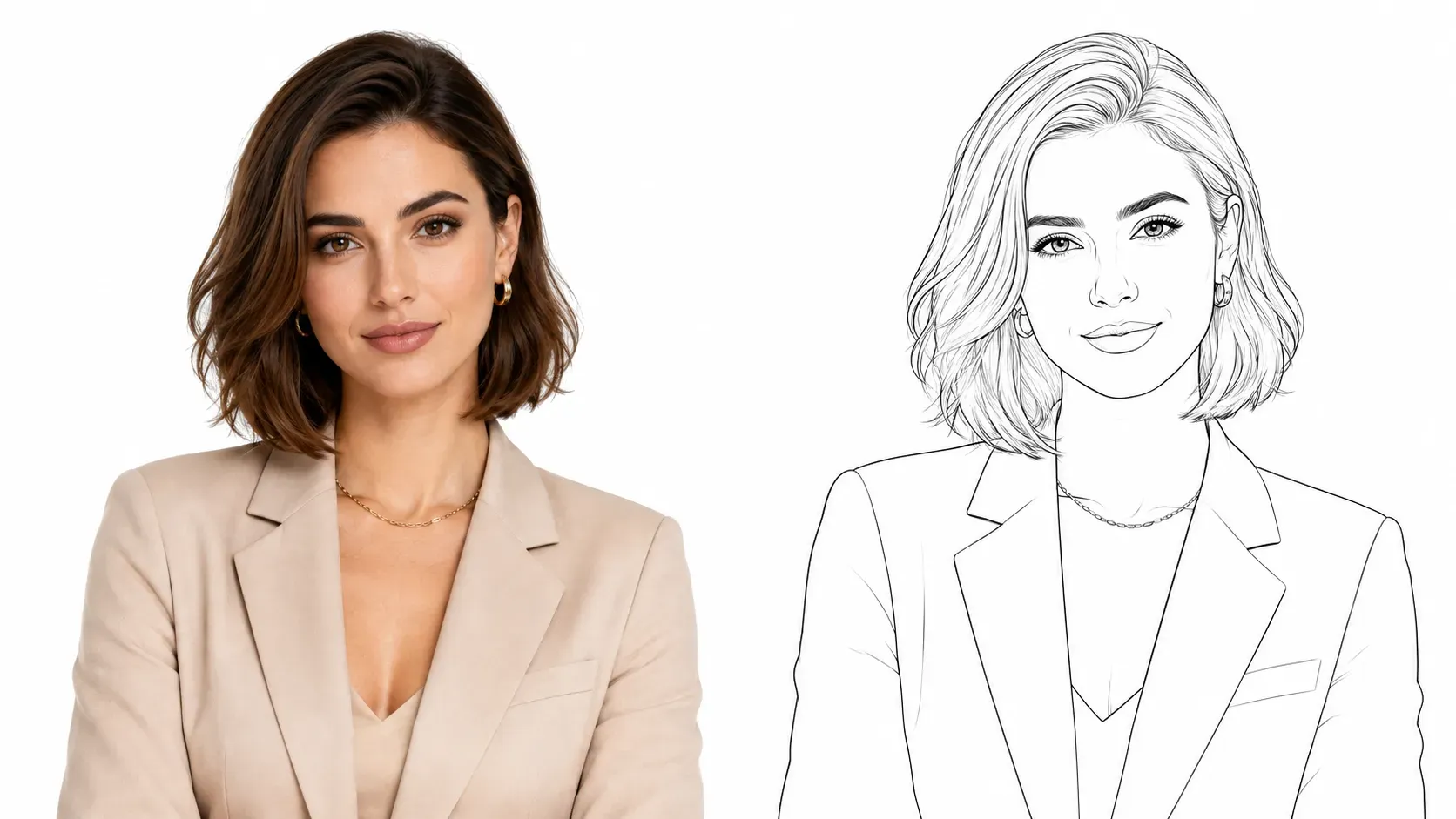
Turn a Photo into a Line Drawing Portrait
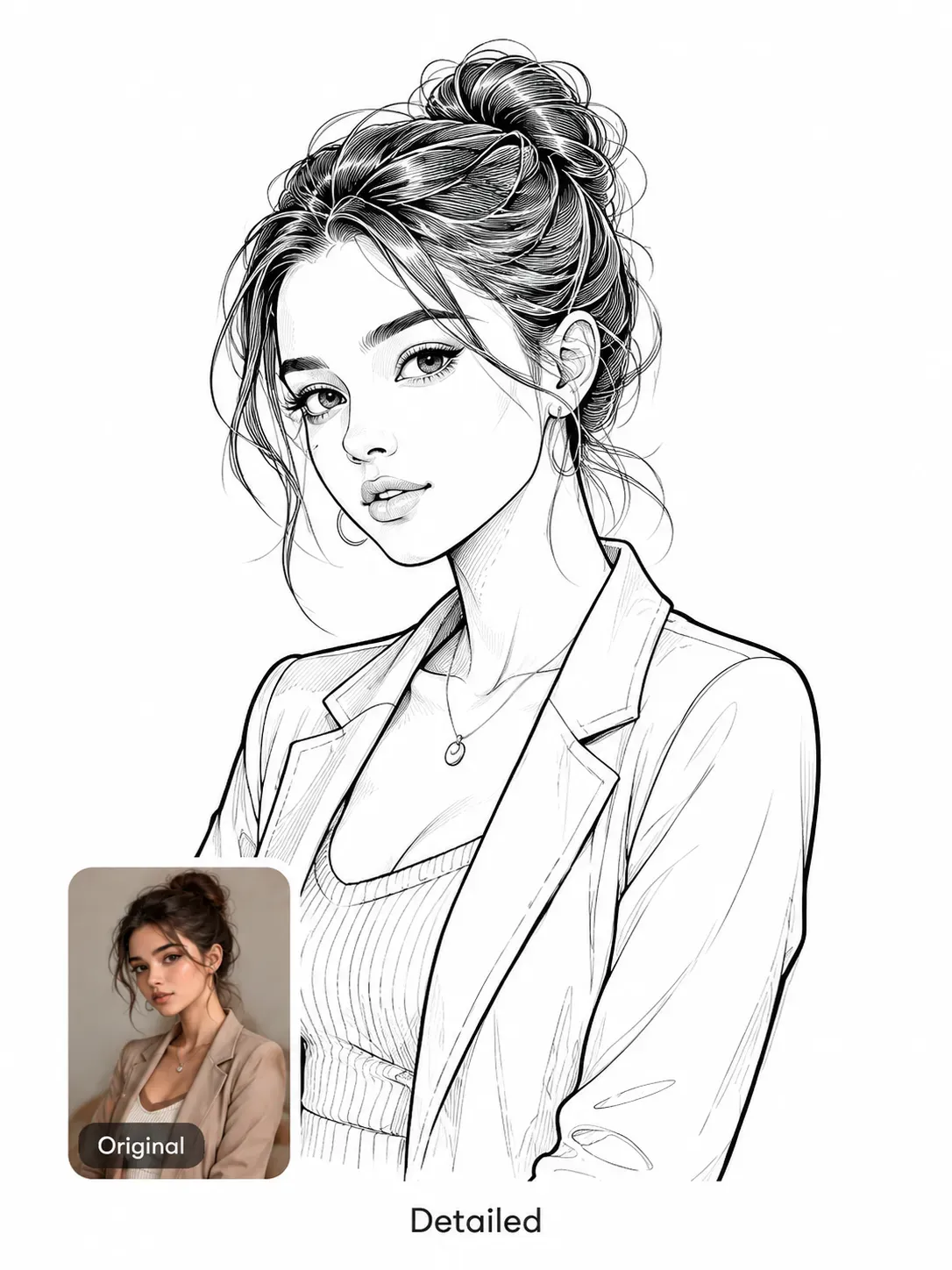
Tracing facial features by hand takes time and can easily make a portrait lose its likeness. The image to line drawing converter preserves expressions, hairstyles, face shapes, and clothing details to create personalized artwork, gifts, or drawing references.
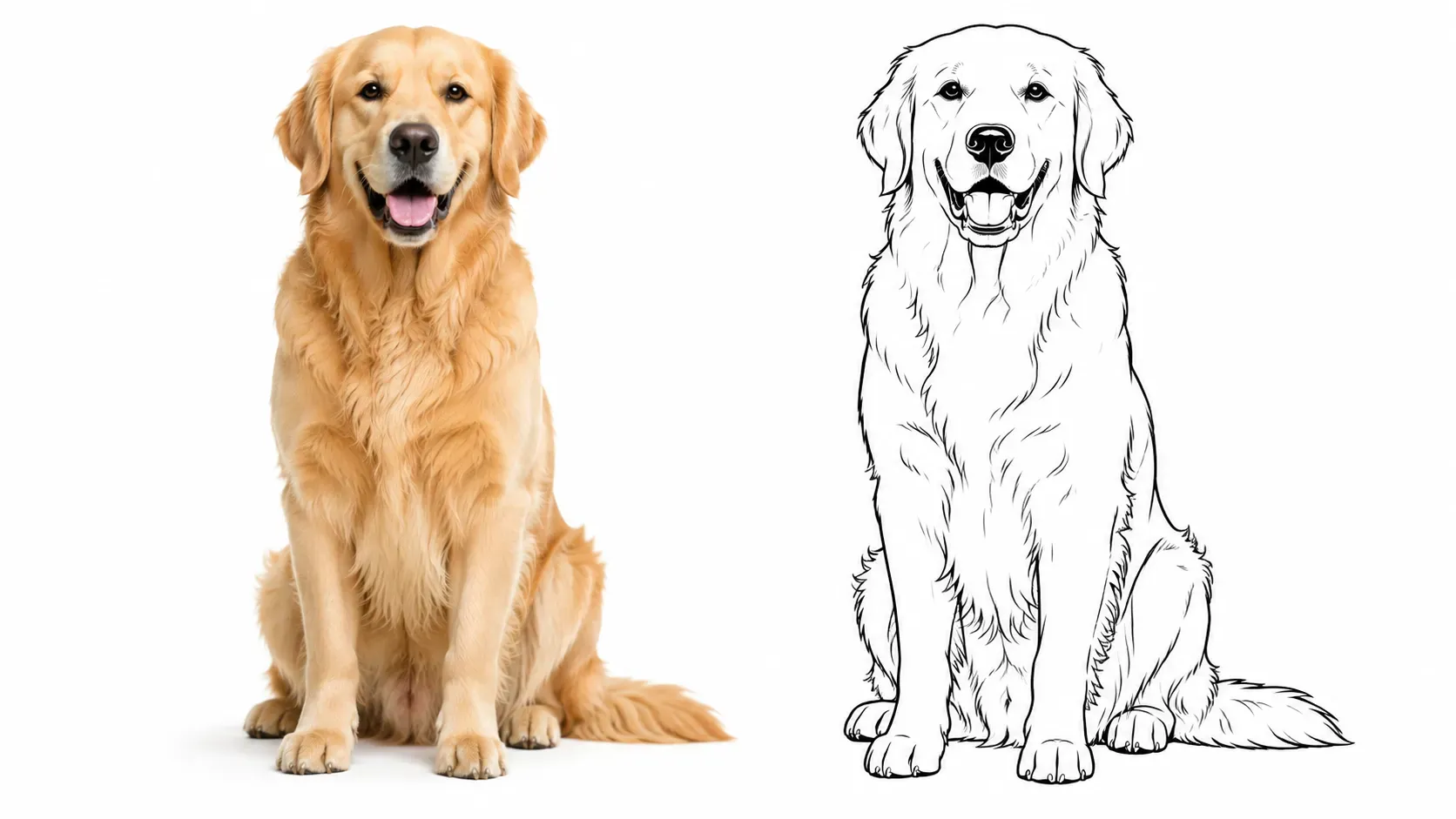
Convert Pet Photos to Cartoon Line Art
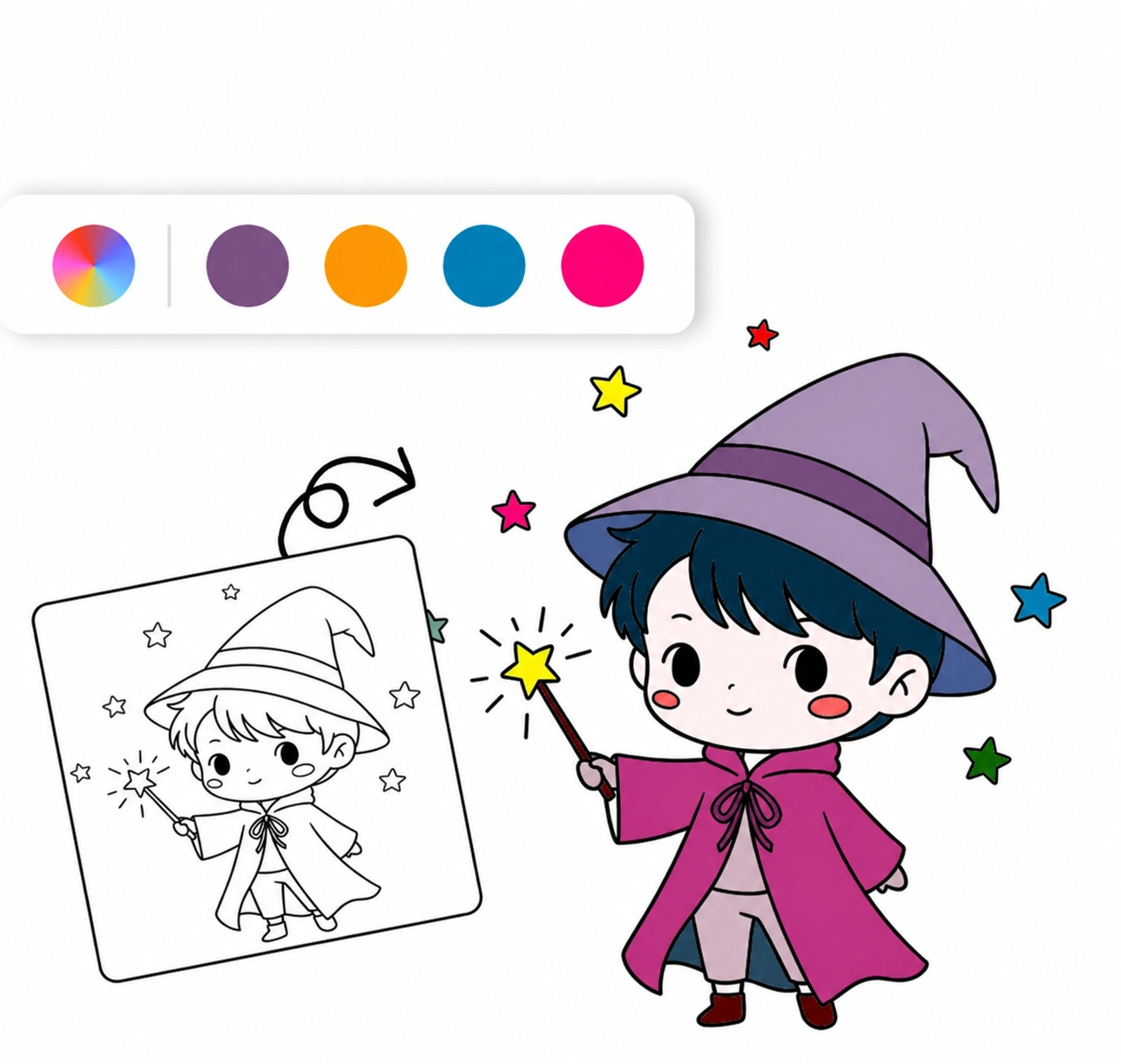
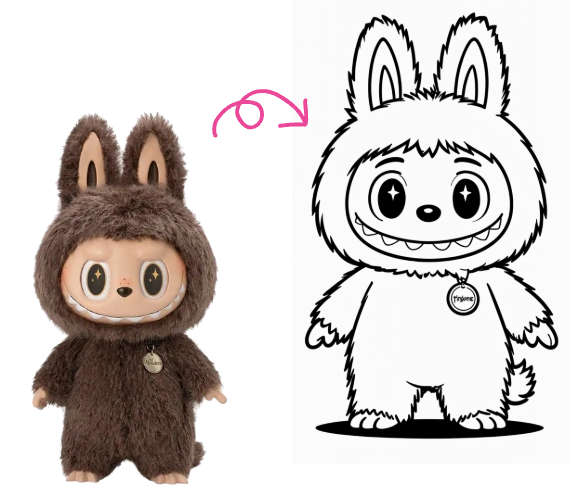
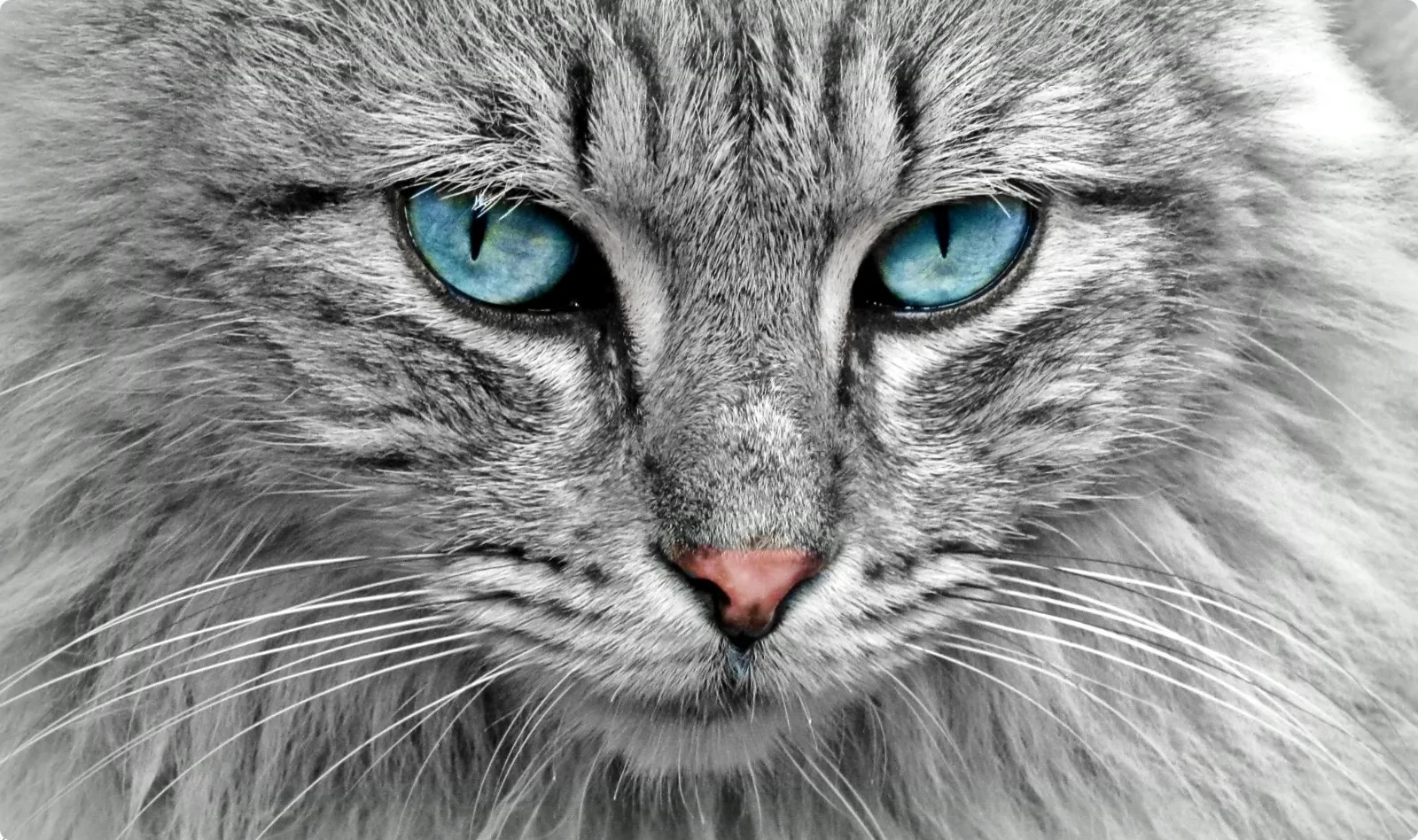
Ordinary pet photos do not always capture the playful personality you want to show. The line art maker transforms a pet photo into cartoon line art with recognizable shapes and expressions for keepsakes and creative designs. Photo to Coloring Page can turn the same photo into a simpler, more open outline for printable coloring activities.
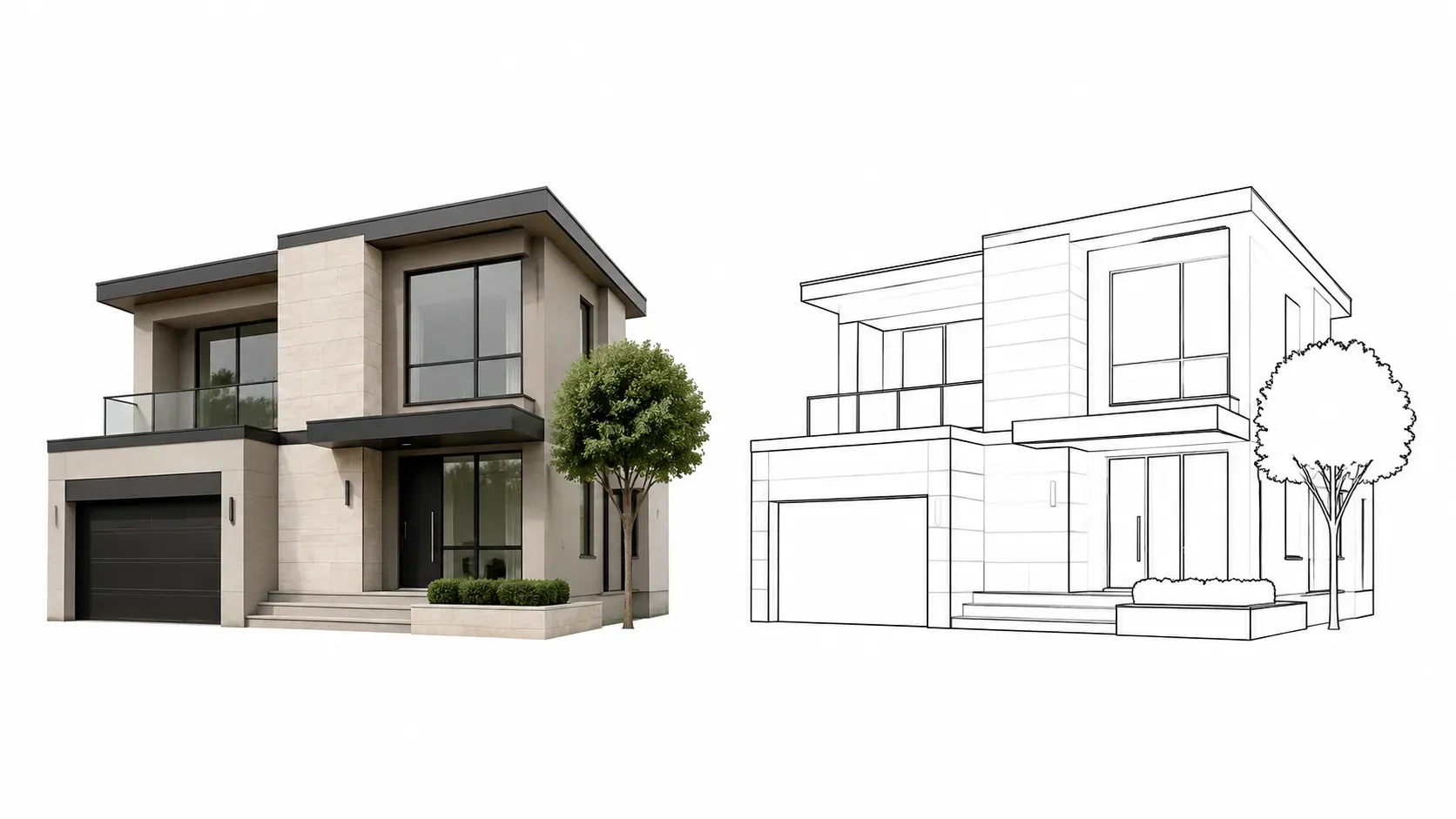
Create Clean Outlines with an Image to Outline Converter
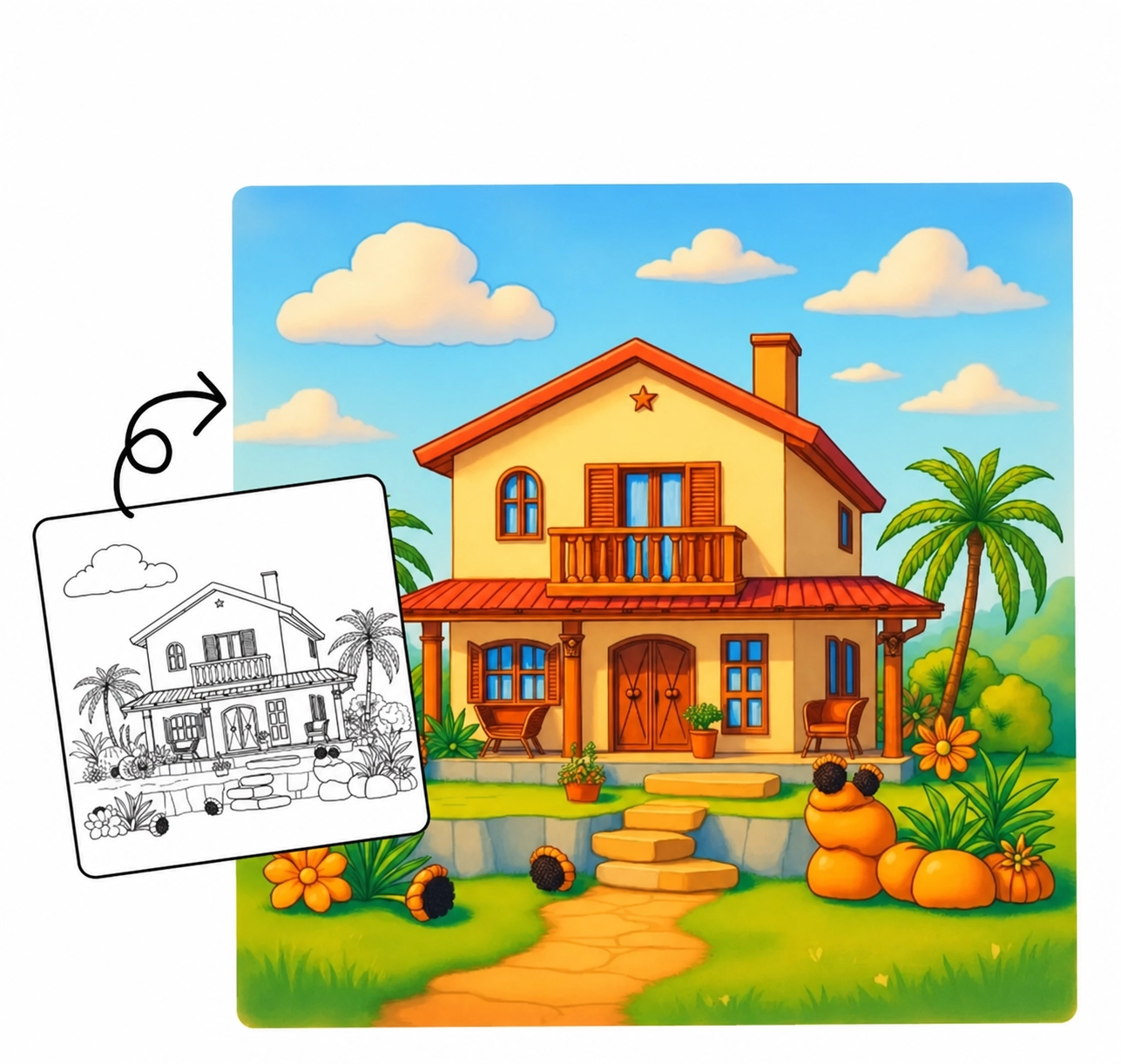
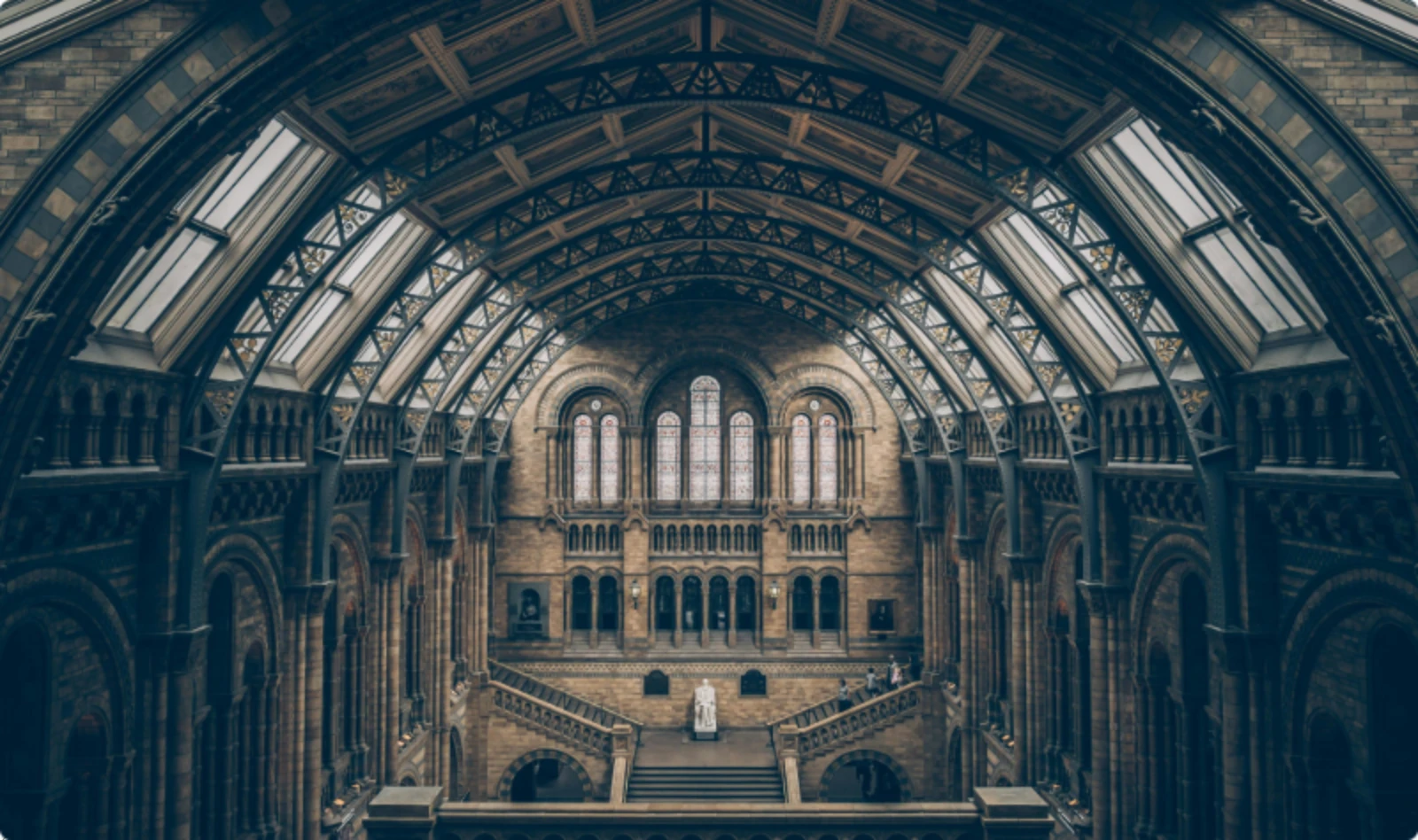
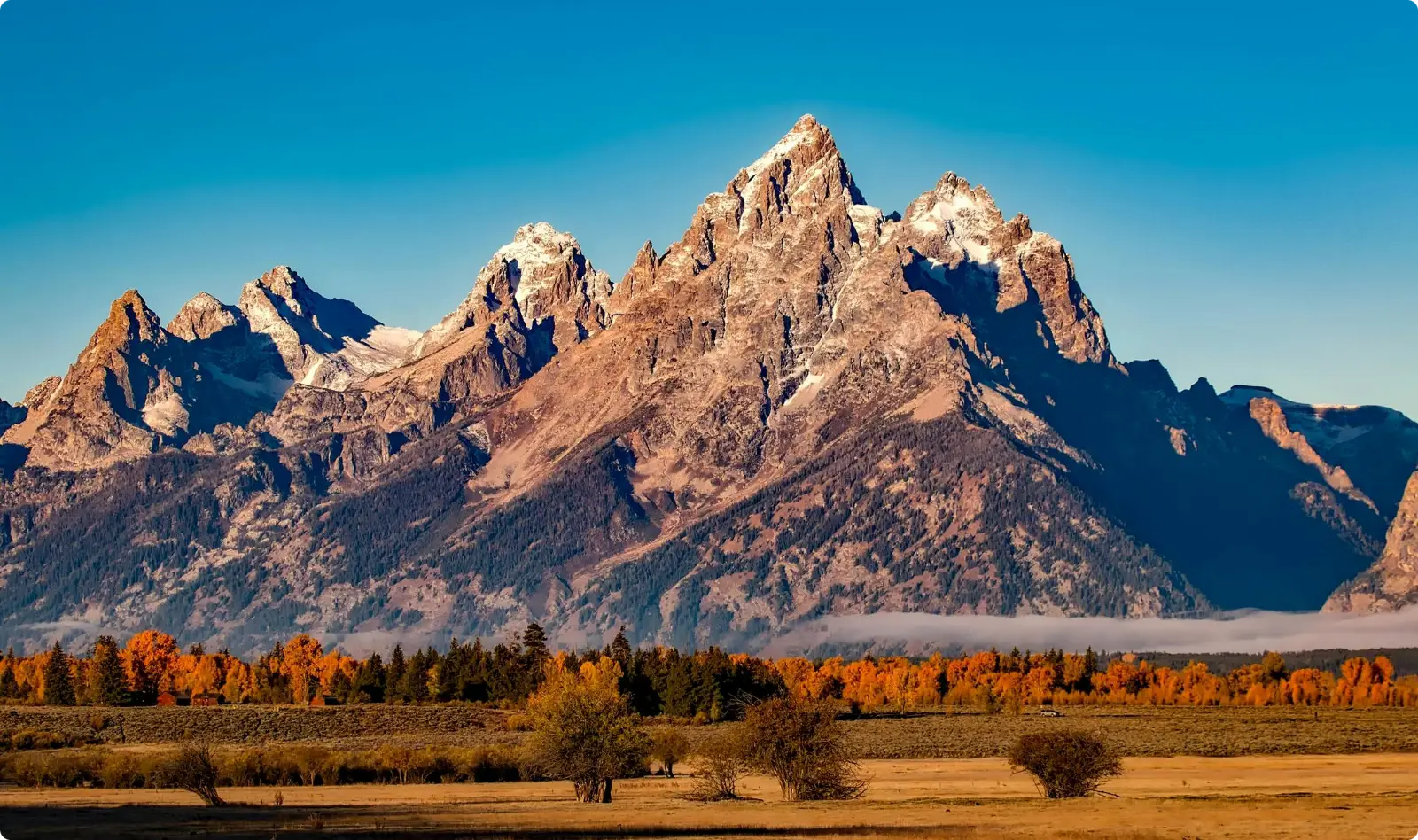
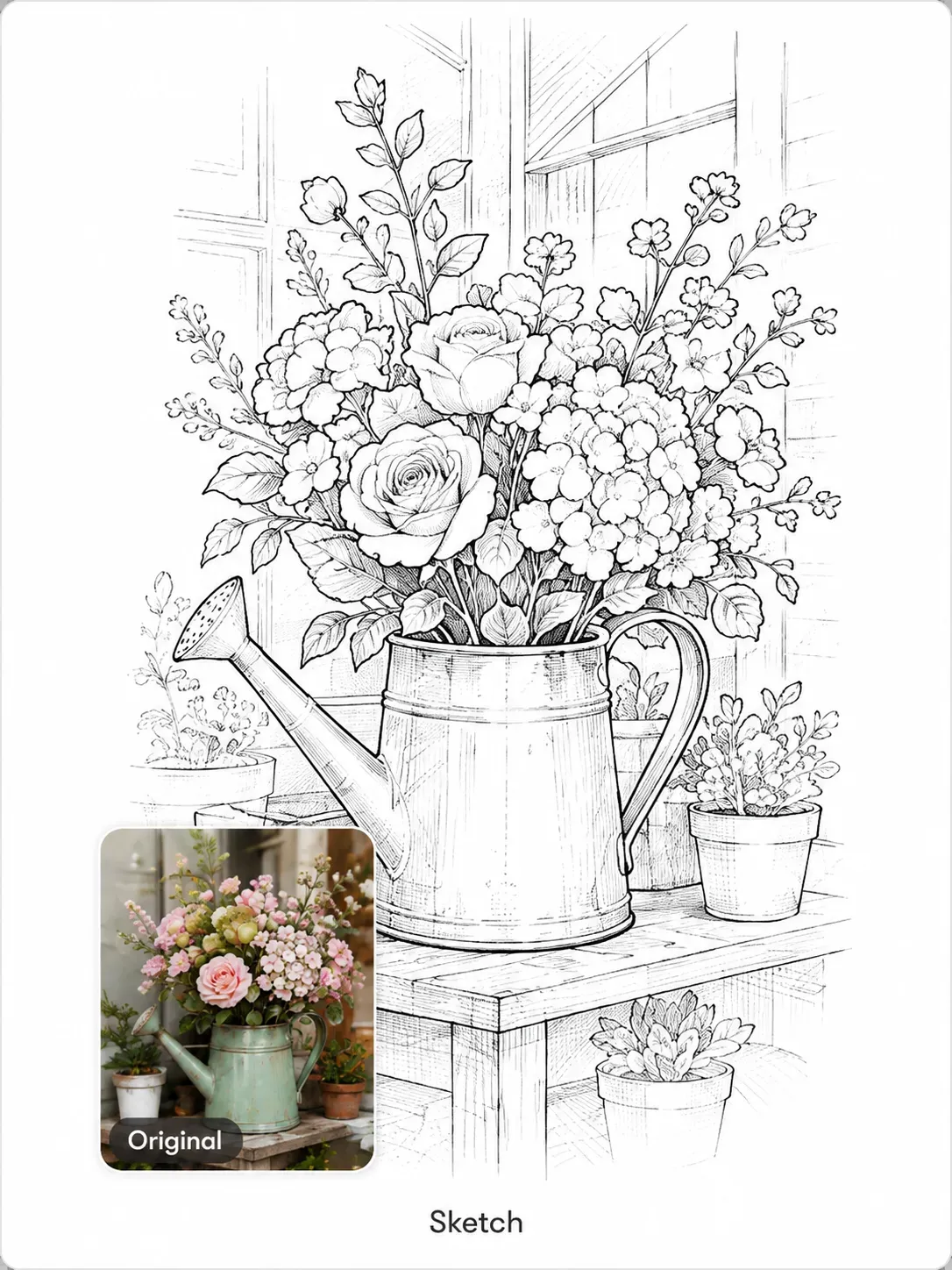
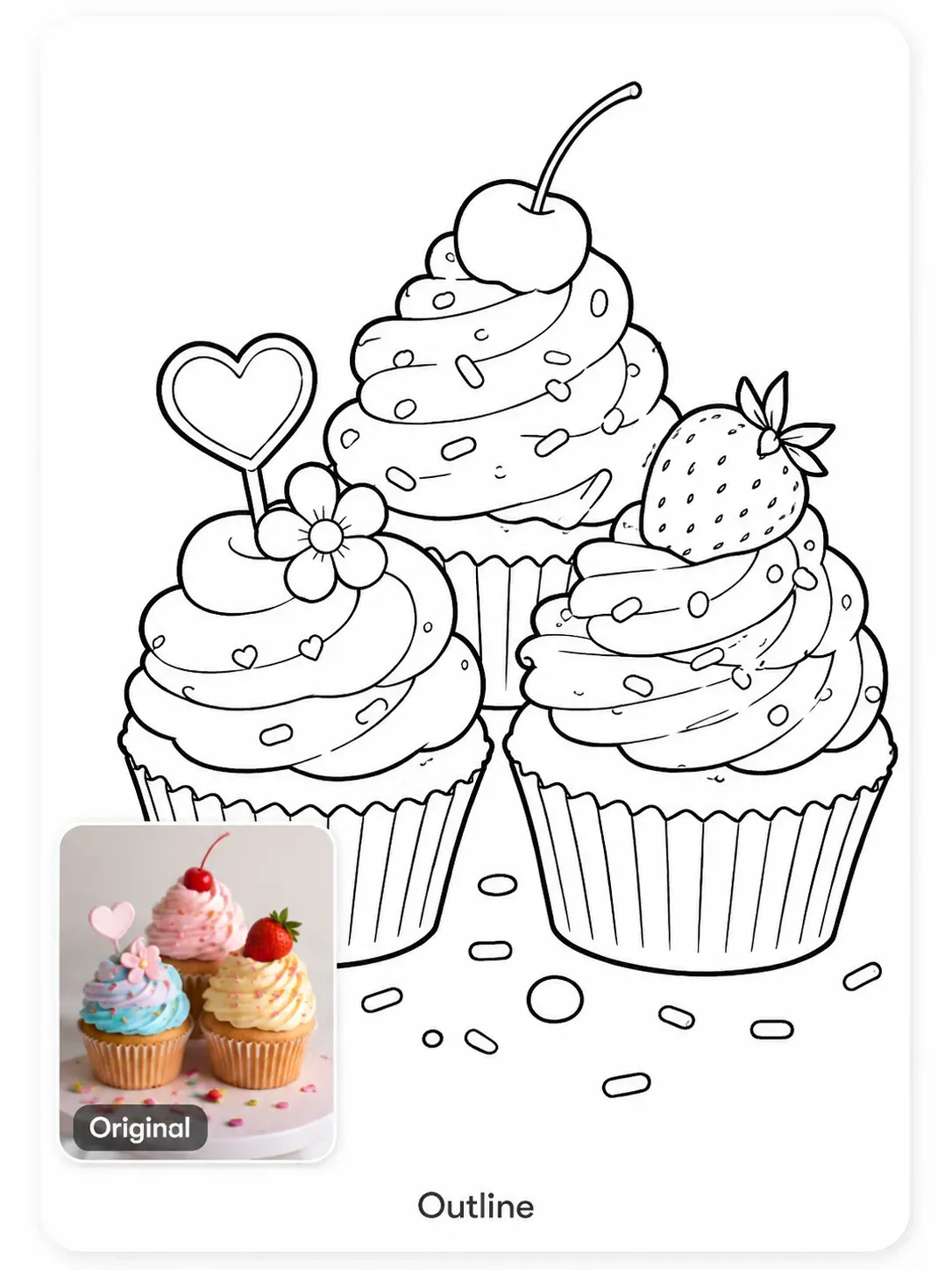
Colors, shadows, and busy backgrounds can make an image difficult to trace or reuse. The image to outline converter simplifies portraits, products, buildings, plants, and landscapes into clean outlines for crafts, design concepts, classroom materials, printing, or further editing. Larger image collections can be processed together through the Bulk Coloring Page Generator , reducing the need to convert every file separately.
Explore Different Image to Line Drawing Styles
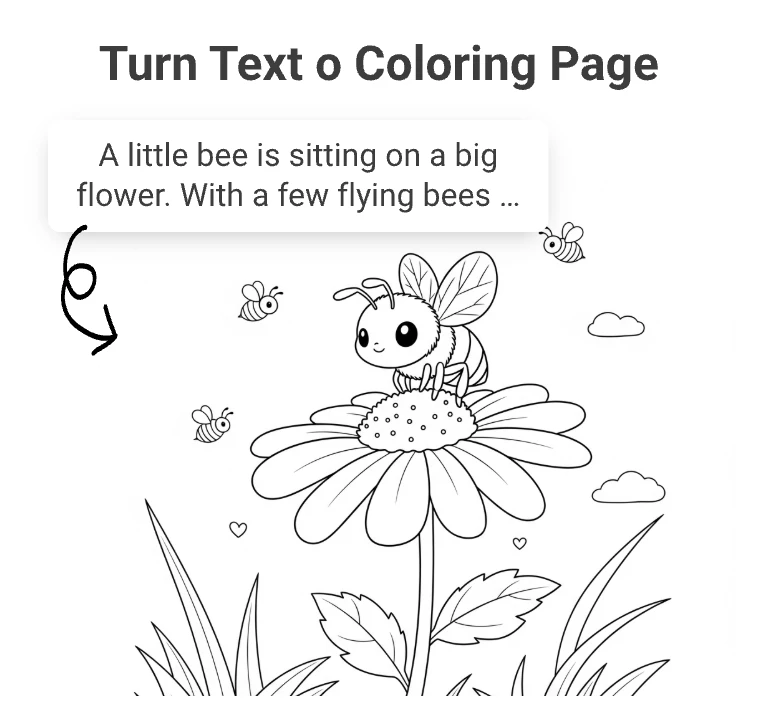
Using the same drawing style for every image can hide important details or make the result too complex. Compare detailed line art, pencil sketches, and bold cartoon results, then choose the image to line drawing style that best fits your project. Ideas without a source image can take shape through Text to Coloring Page , which turns a written description into original line based artwork.
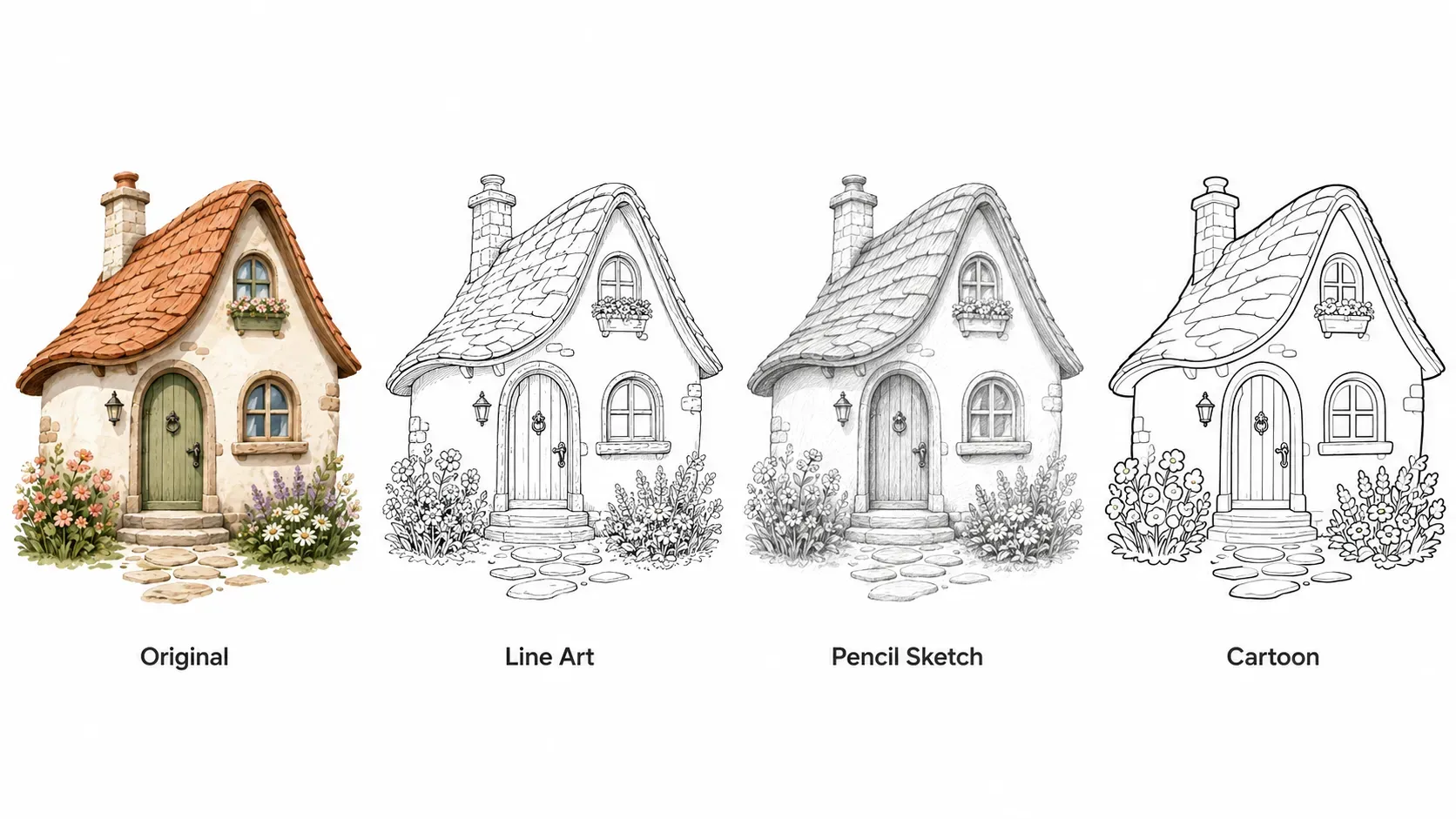
Image to Line Drawing Examples
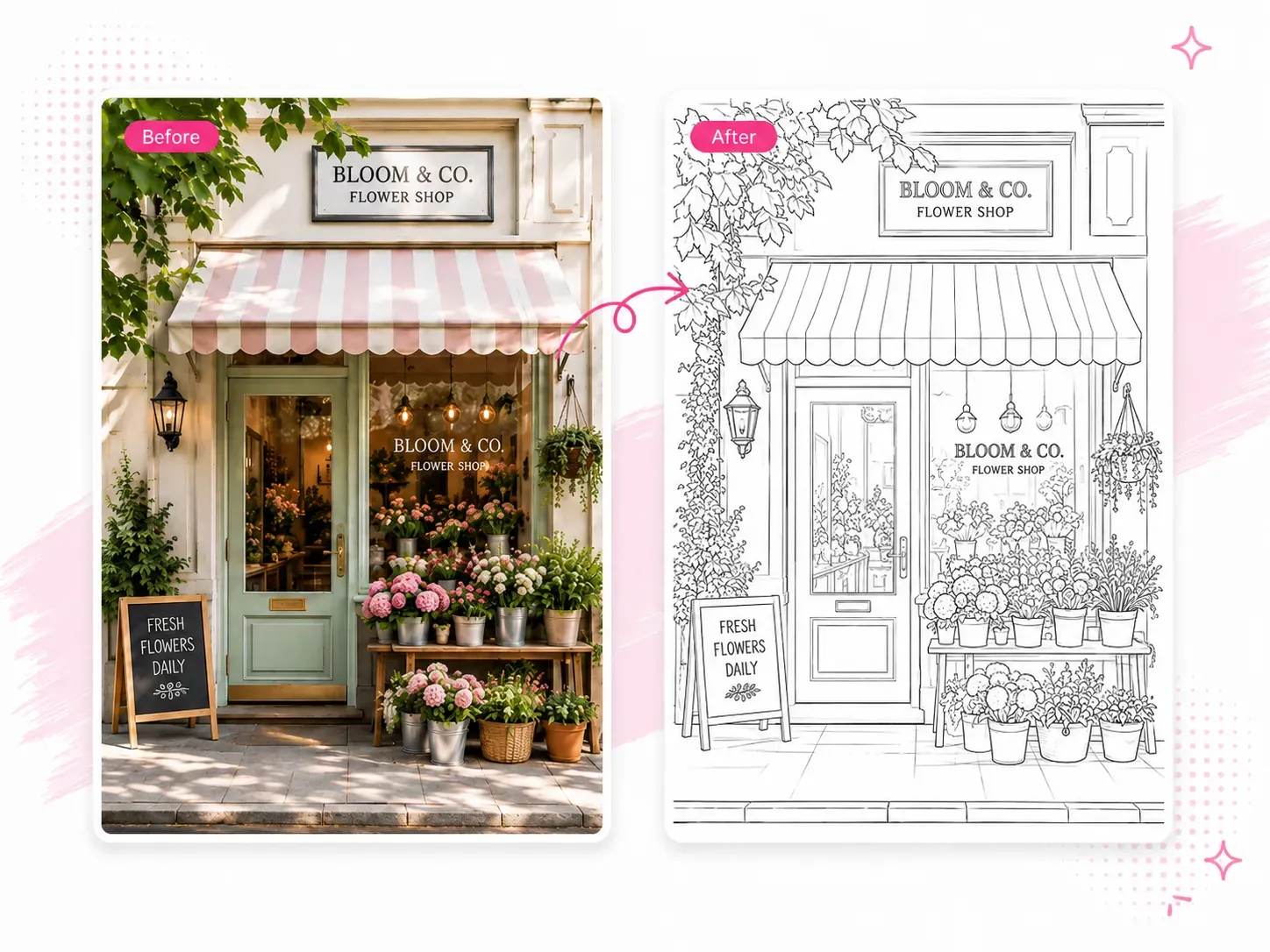
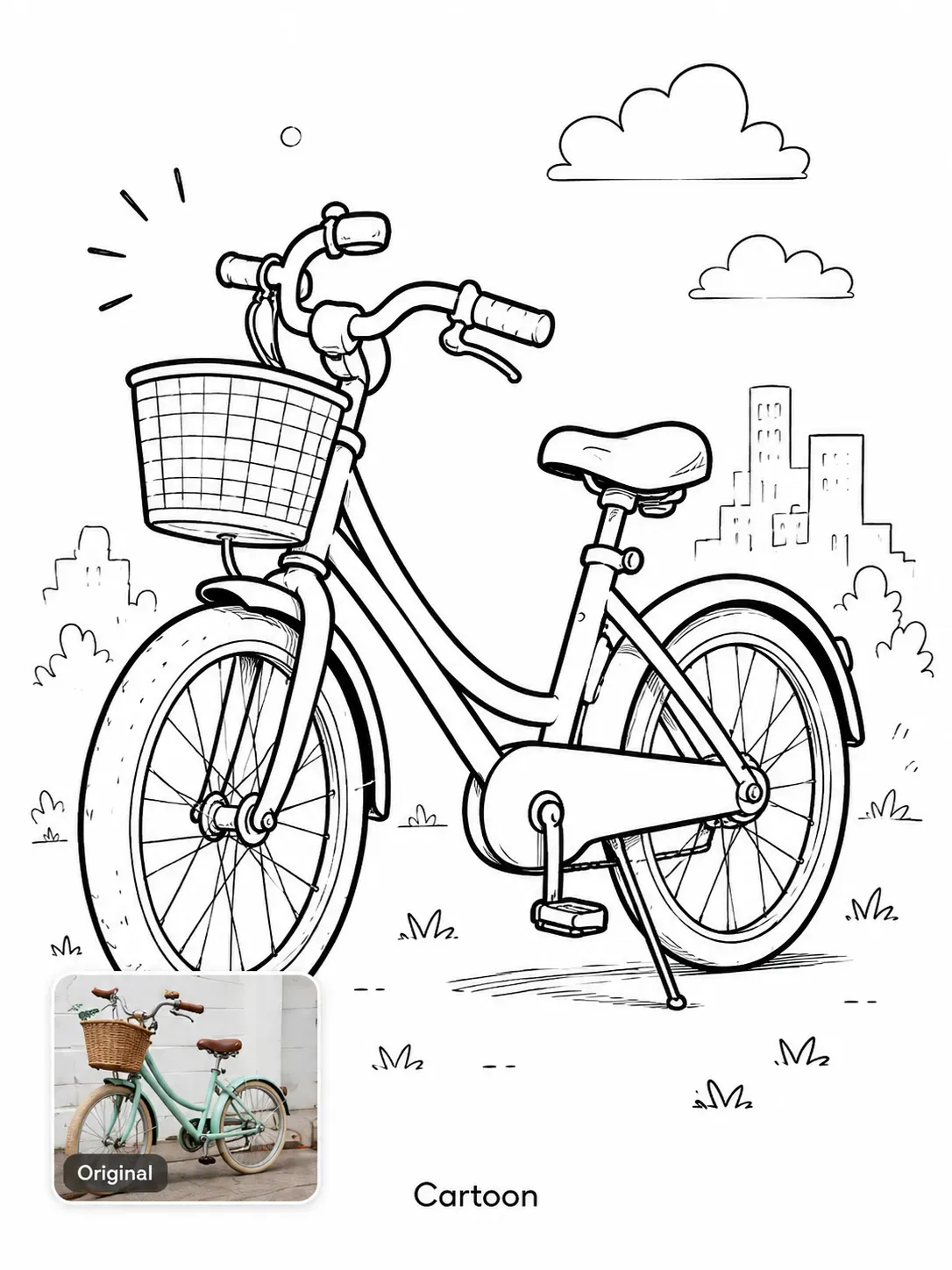
Compare each original image with its generated result to see how image to line drawing styles handle shapes, backgrounds, and fine details across detailed, cartoon, and outline options.
How
How to Convert an Image to a Line Drawing
1
Upload Your Image
Upload a JPG, PNG, or WEBP image from your device. Images with a clear subject, visible edges, and good contrast usually produce cleaner line drawings.
2
Choose a Line Drawing Style
Choose a detailed, sketch, or cartoon style based on the result you want. If the background creates too many distracting lines, enable background removal to keep the main subject clear.
3
Generate and Download
Click Generate to convert the image to line art in seconds. Preview the result, then download the line drawing in your preferred resolution for editing, sharing, coloring, or printing.