
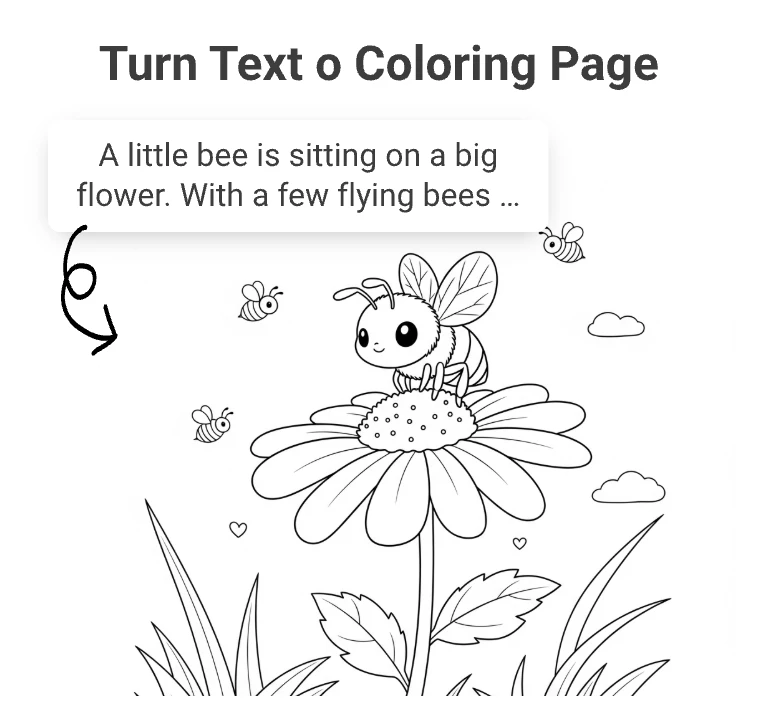
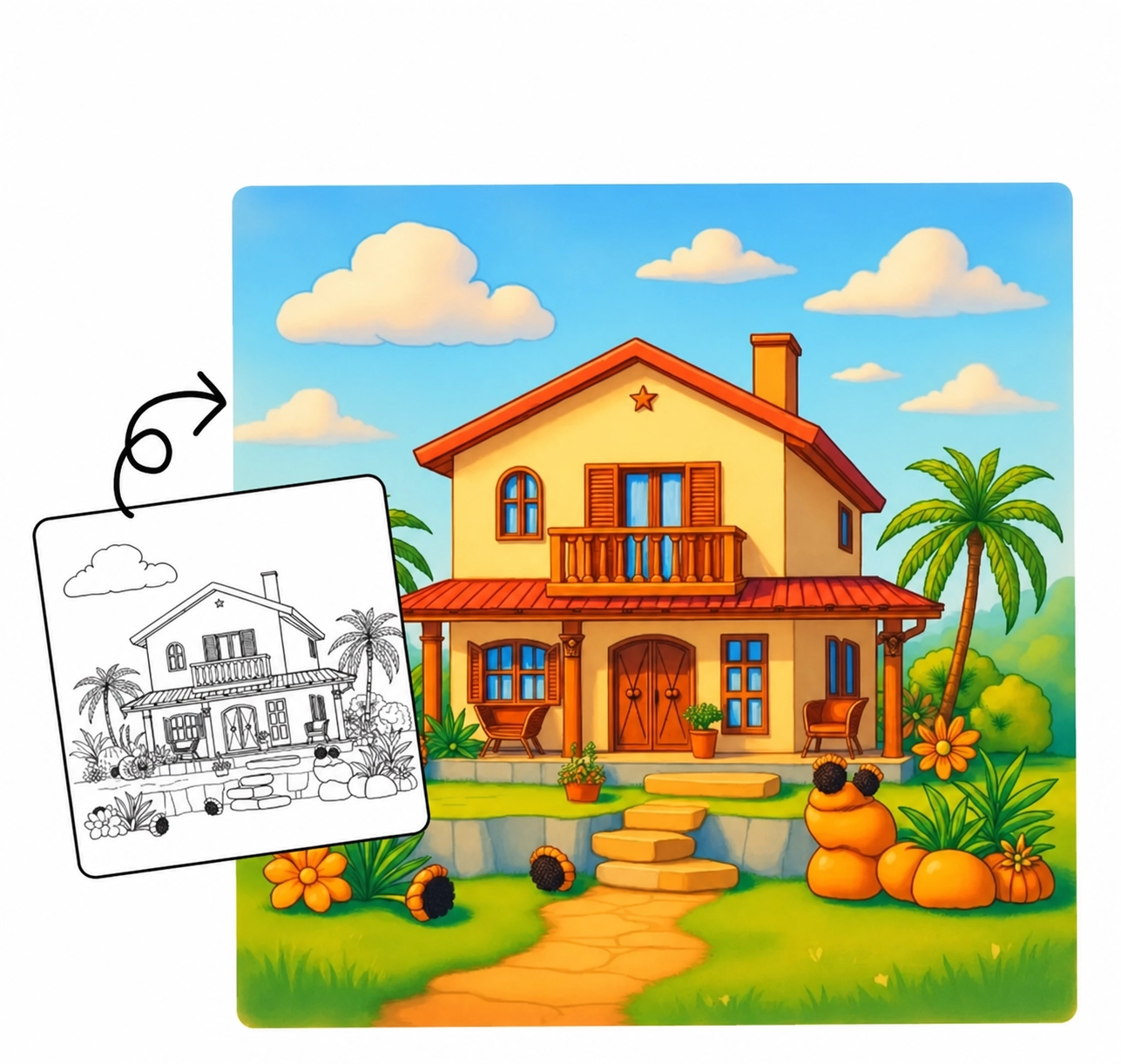
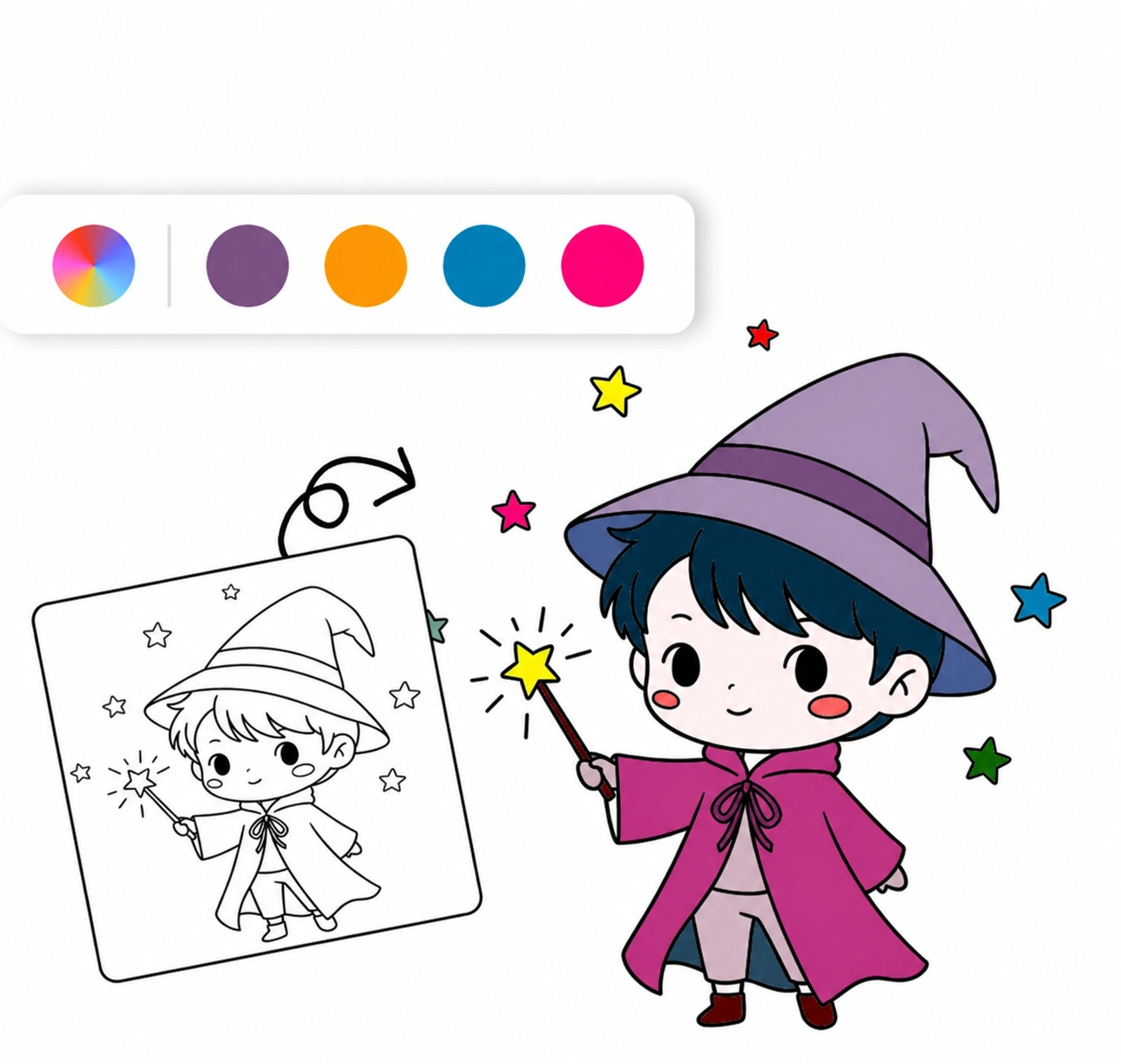
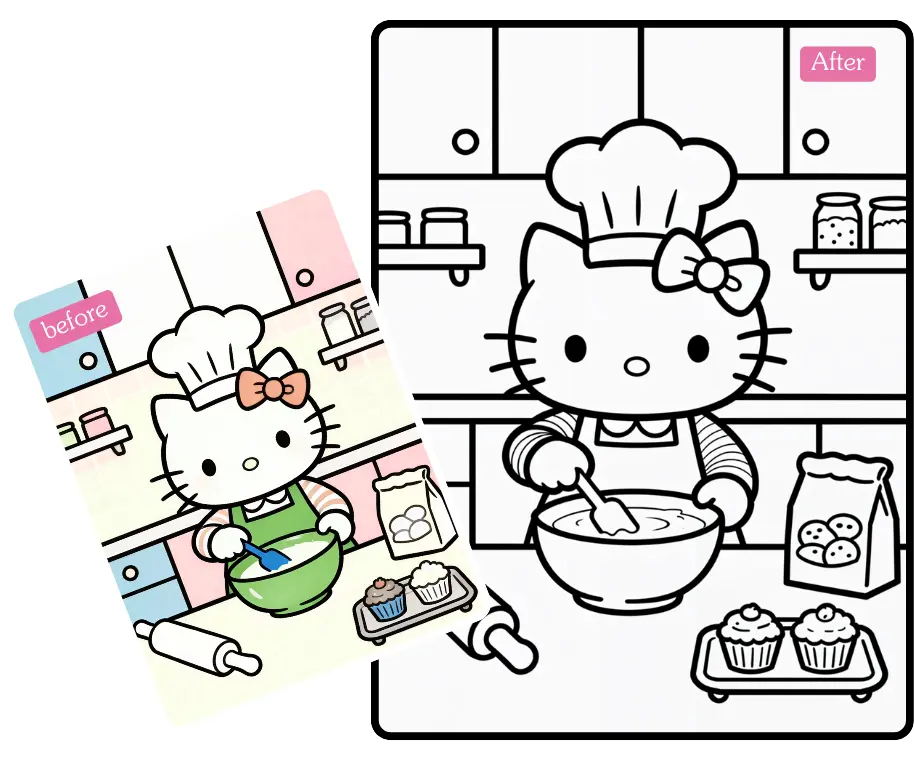
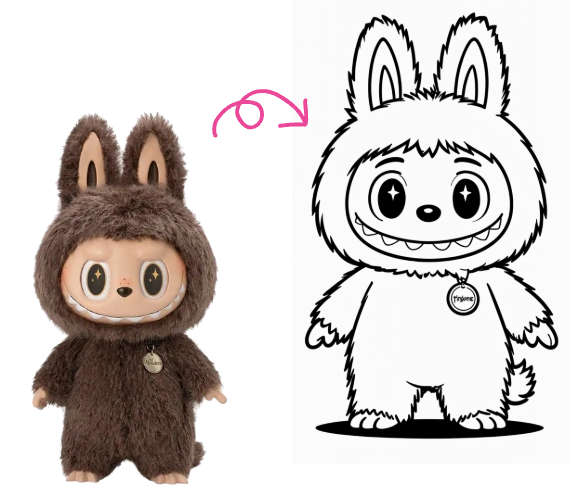
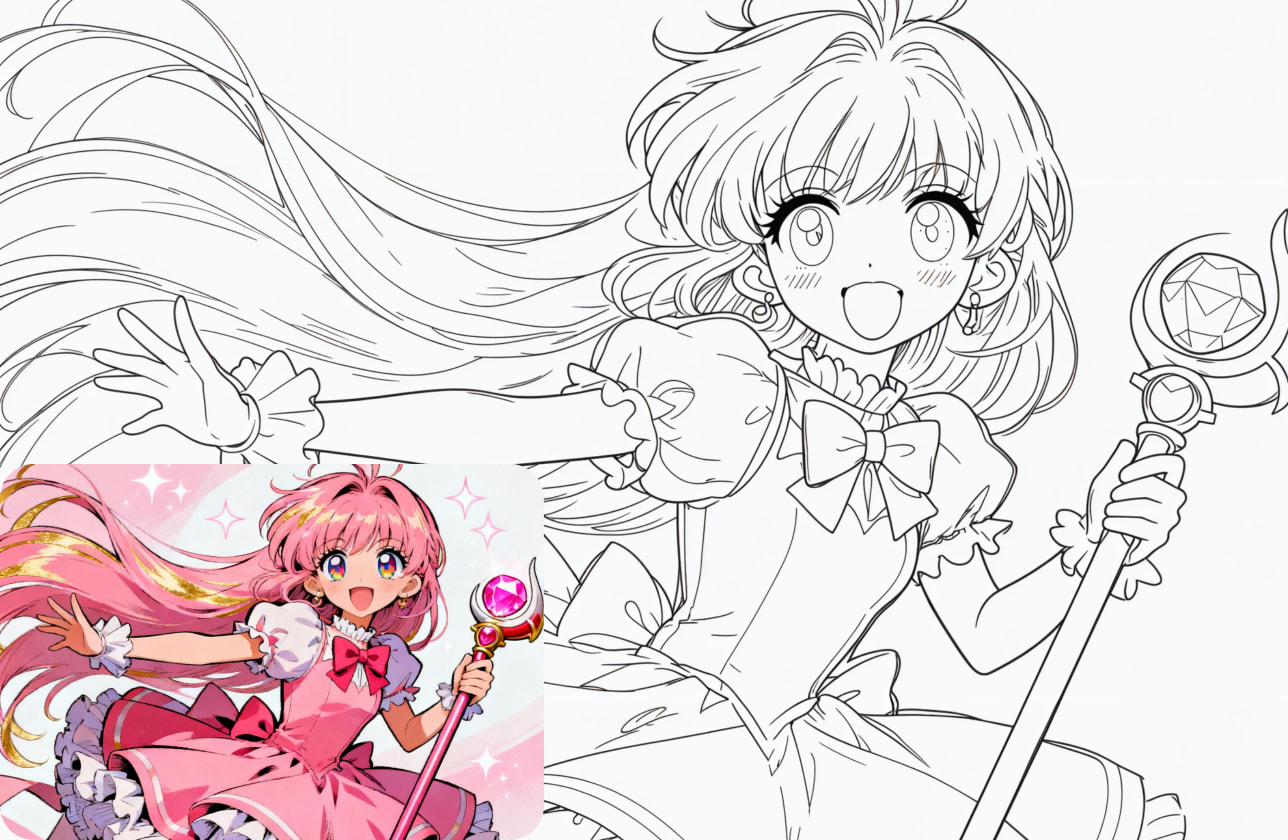
A Photo to Sketch converter turns your image into a pencil-style drawing. It detects edges, shapes, and light, then rebuilds them as clean line work with natural-looking shading.
Free AI Photo to Sketch online
Convert a photo to sketch instantly using our free Photo to Sketch online tool. Upload your picture, generate a clean pencil look, and download it in one click.
History
View AllNo history yet, Generated images will appear here
Convert Photo to Line Drawing with iColoring AI

What You Can Create with Photo to Sketch
Easy Photo to Sketch Without Drawing
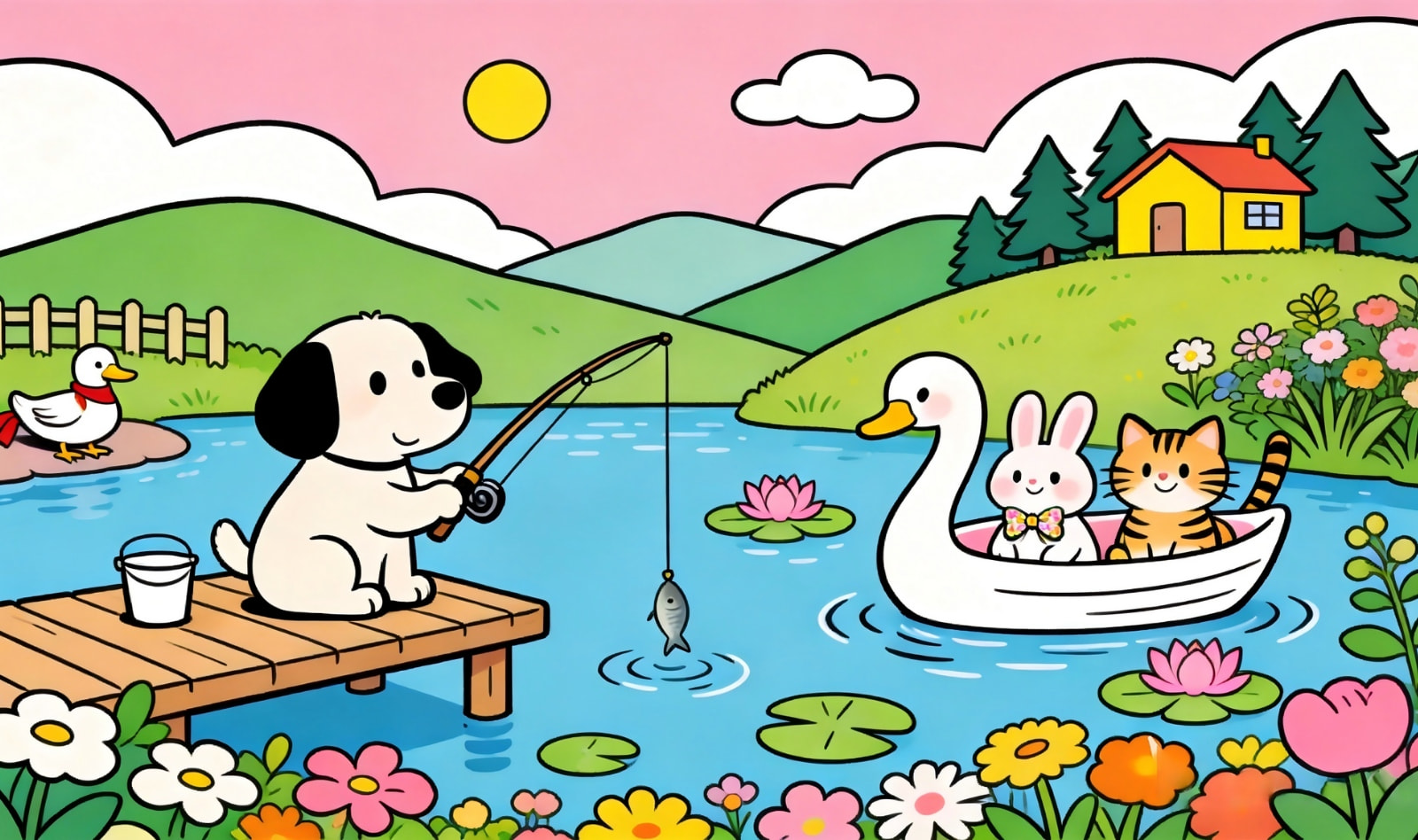
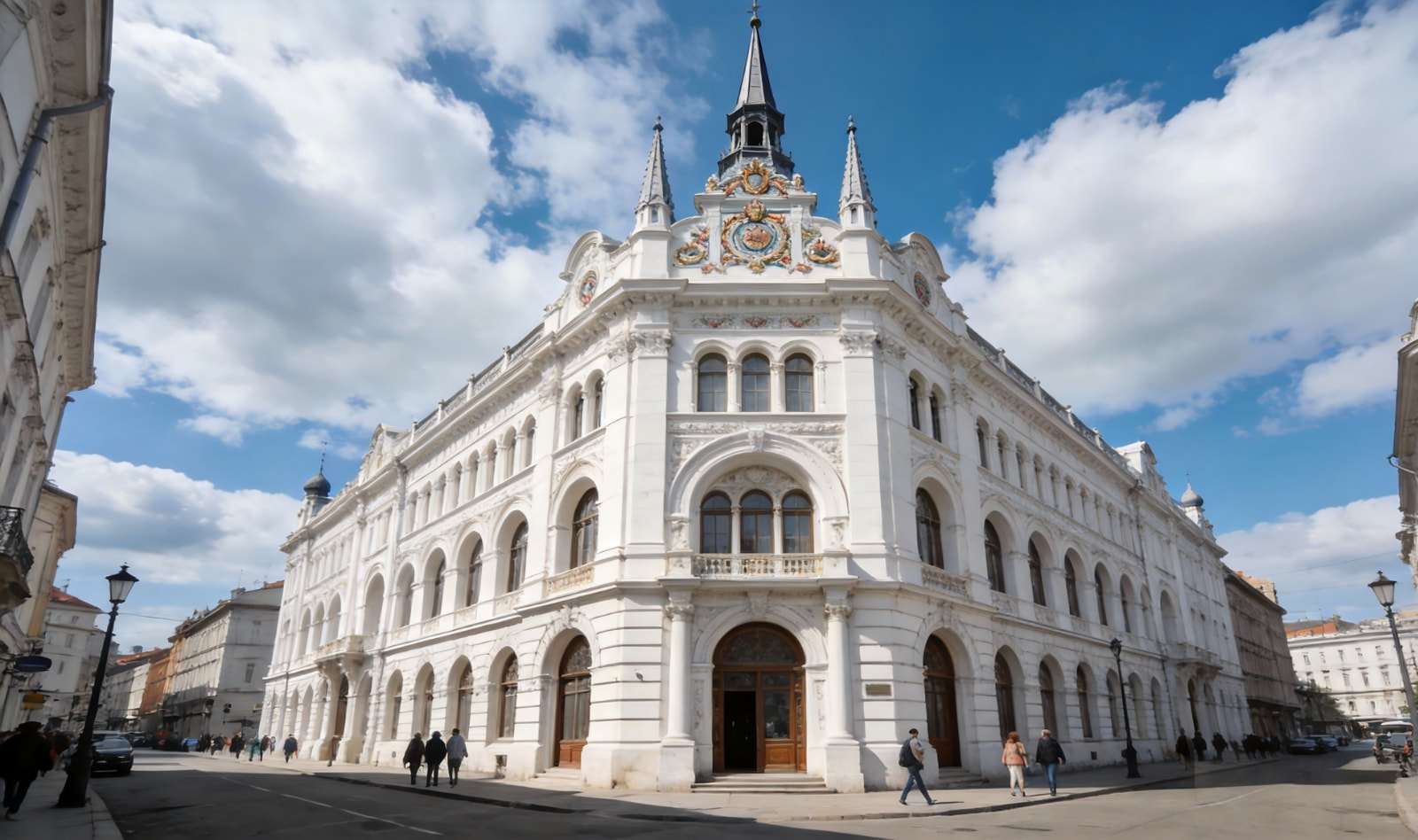
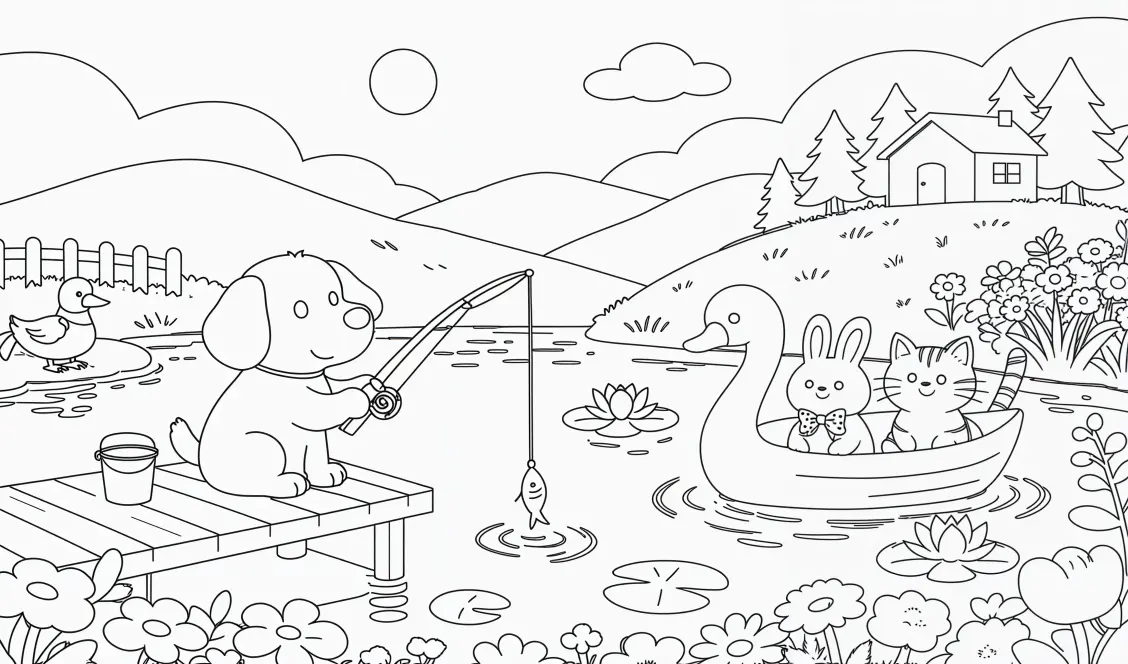
Creating professional-looking art is now effortless. With our advanced AI tool, you don’t need to pick up a pencil or spend time learning complex drawing techniques. Just upload your favorite images and watch them turn into refined line art. Enjoy the fun of digital art. It’s perfect for creators making personal crafts or educational materials.
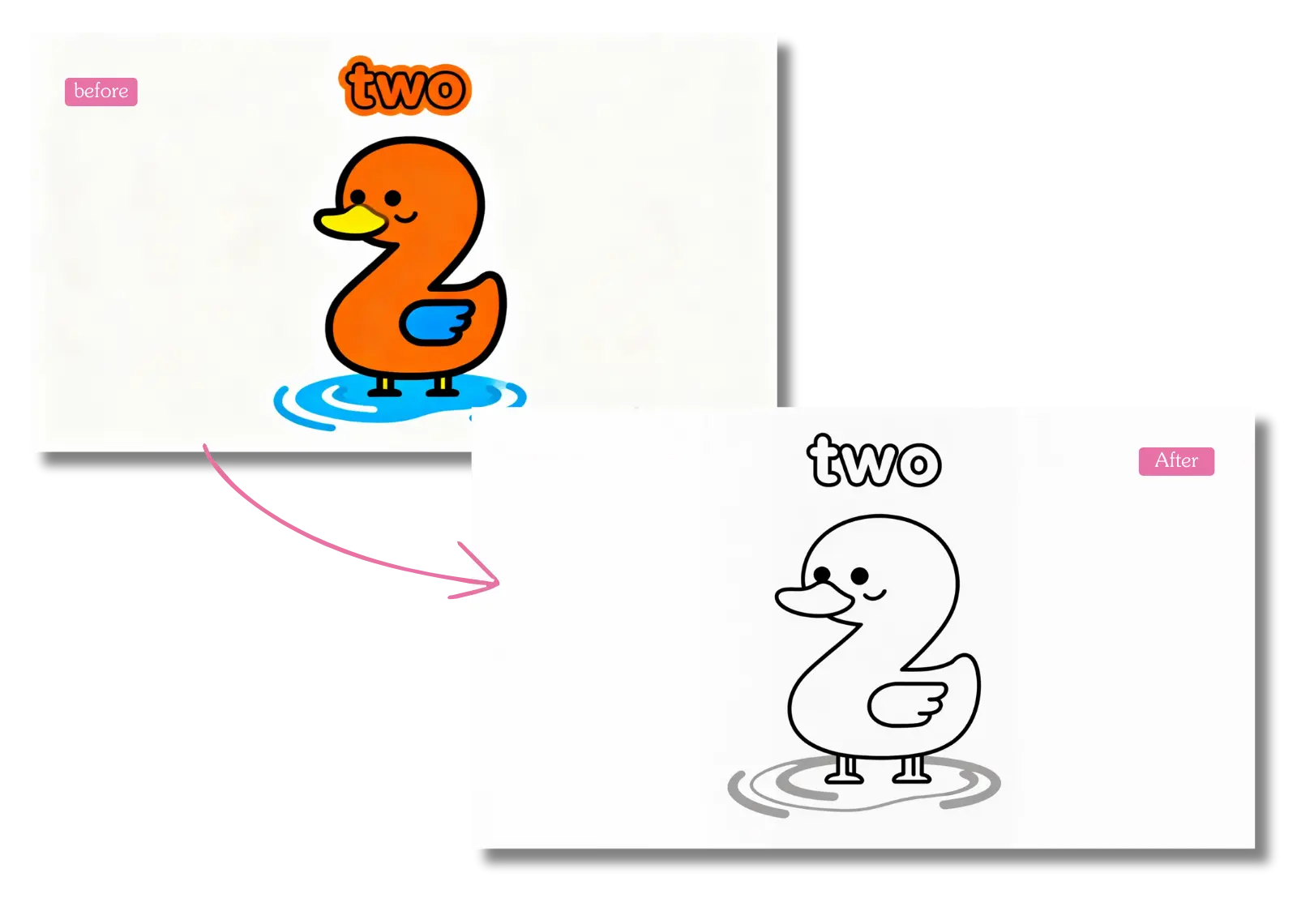
Instant AI Photo to Sketch in Seconds
Get professional sketch results instantly and bypass the exhausting hours of manual drawing. Leverage our high-speed engine built for pure efficiency, delivering premium outputs in mere moments. Offer designers and hobbyists a reliable photo to sketch solution that clears away every technical hurdle effortlessly.
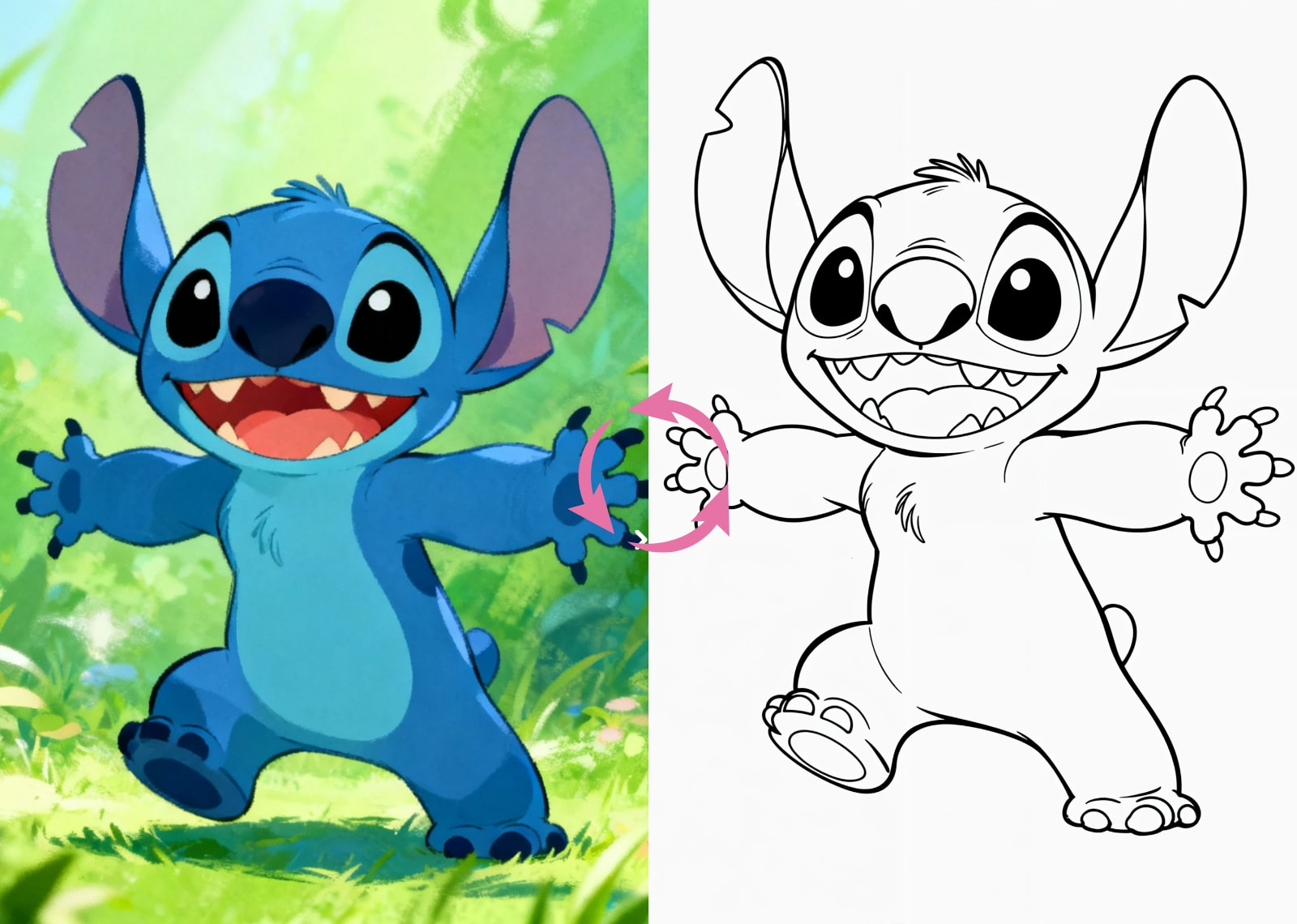
Creative Photo to Sketch Art Styles
Turn any photo into a masterpiece with styles that pop, whether you prefer whimsical cartoons or refined pencil art. Focus on delivering elegant, clean contours rather than cluttered textures, ensuring every detail remains sharp. Build a flawless base for AI coloring projects, making it the perfect choice for creators who demand high-resolution, ready-to-color canvases for their digital art.
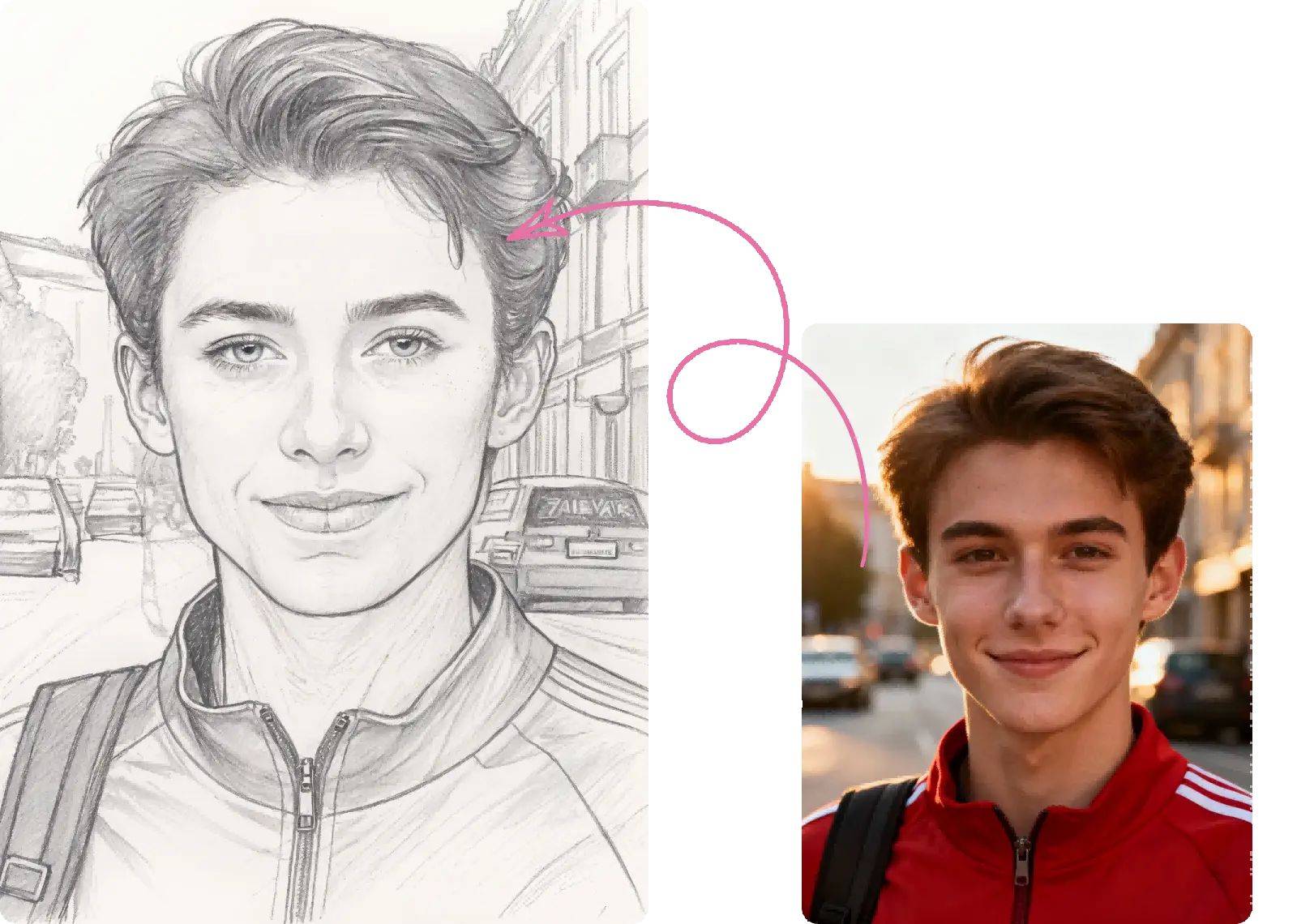
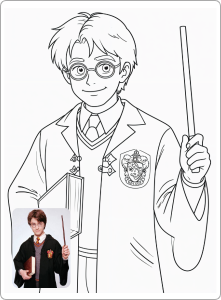
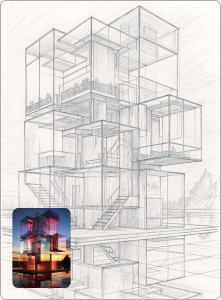
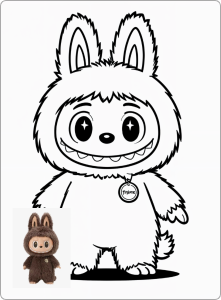
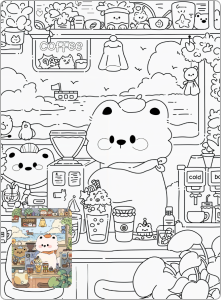
Photo to Sketch Examples
How
How to Turn a Photo into a Sketch in 3 Easy Steps
1
Upload Your Image
Click the upload button to select a JPEG or PNG from your device. Our system supports high-quality images for the best photo to sketch results instantly.
2
Choose your Style
Explore 4 styles and find your perfect look. Default for realism, Cartoon for bold classics, Snoopy for cute rounded lines, or Sketch for a pencil feel.
3
Save Your Sketch Art
Preview your artwork and hit download.