

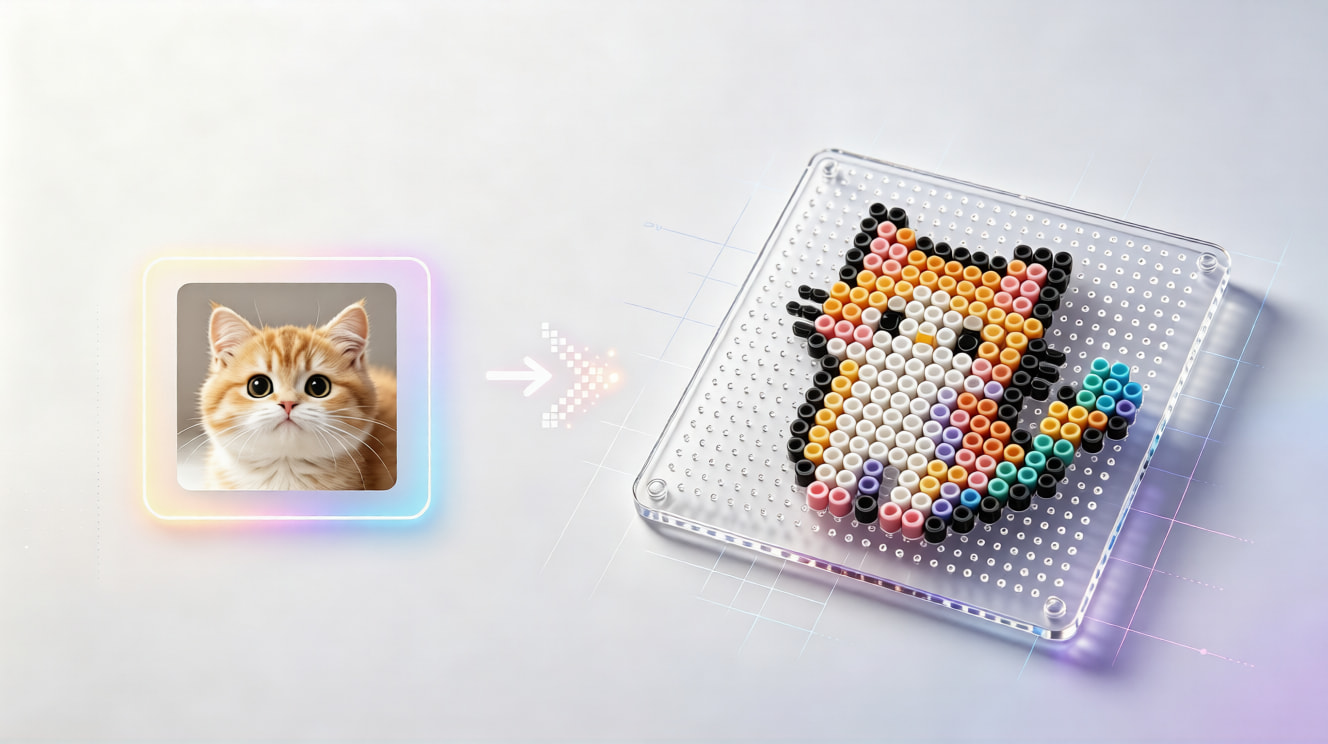
It converts an image into a grid of bead colors and positions so you can recreate the artwork with 5mm Perler or fuse beads. This generator also shows palette codes, bead counts, estimated boards, and a materials list.
Perler Bead Pattern Generator from Image
Convert a photo or illustration into an editable, printable 5mm Perler bead pattern with color codes and material quantities.
03
Check & refine
Paint or erase cells after generating
Your pattern will appear here
Upload an image, choose a grid size, then generate a pattern you can edit cell by cell.
Create a practical bead-by-bead plan from any image. This free online Perler bead pattern generator maps your artwork to a selected palette, estimates the beads you need, and gives you a grid you can refine before printing or exporting.
HowTo
How to Make a Perler Bead Pattern from an Image
Turn a photo into a clear, printable fuse bead template in three straightforward steps.
1
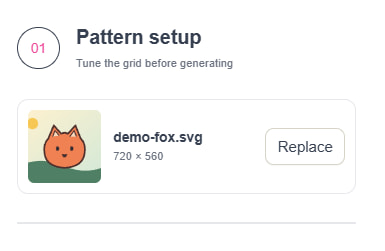
1. Upload Your Photo or Artwork
Choose a JPG, PNG, WEBP, or transparent image. Your source image is processed in your browser so you can start a Perler design without uploading it to a server.
2
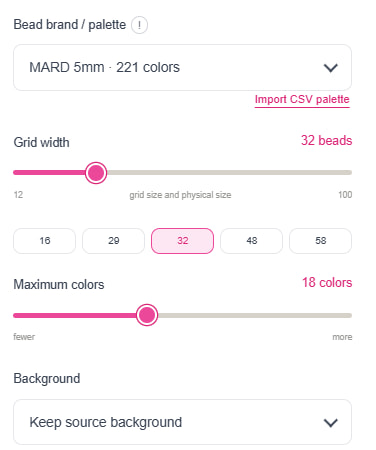
2. Set the Grid, Palette, and Colors
Choose the pattern width, maximum colors, background treatment, and a 5mm bead palette. The generator maps the image to usable palette colors and keeps the grid proportions visible.
3
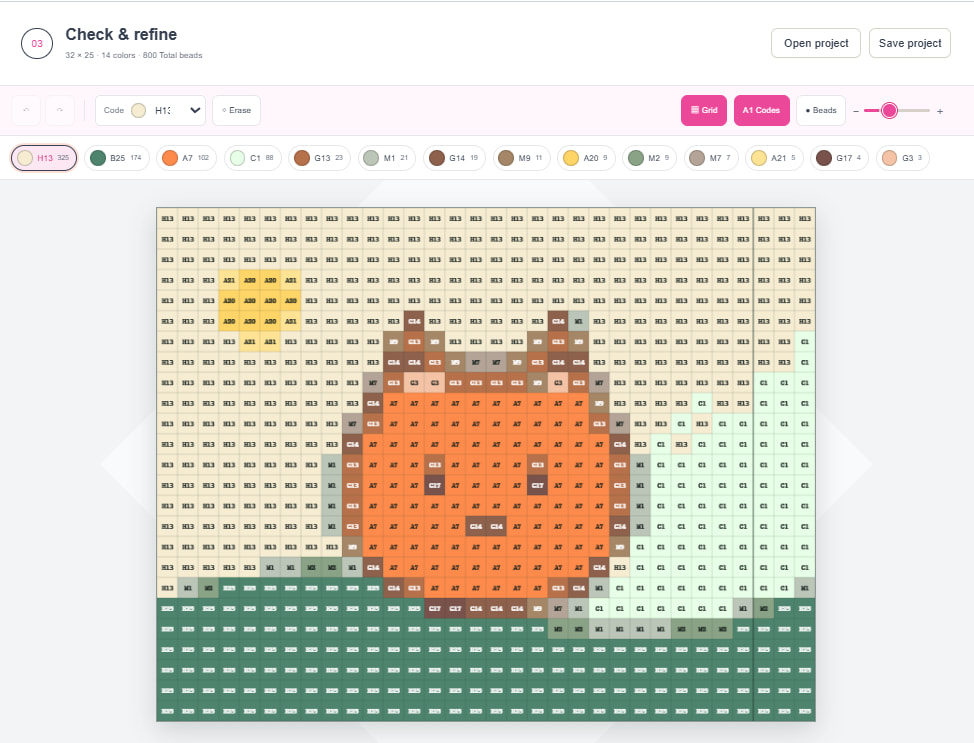
3. Edit, Count, and Export Your Pattern
Paint or erase individual cells, review brand color codes and bead quantities, then download a high-resolution PNG, materials CSV, printable PDF, or reusable project file.
A Better Bead Planning Workflow
Why Use Our Perler Bead Pattern Generator
Convert Any Image into a Grid-Based Bead Design
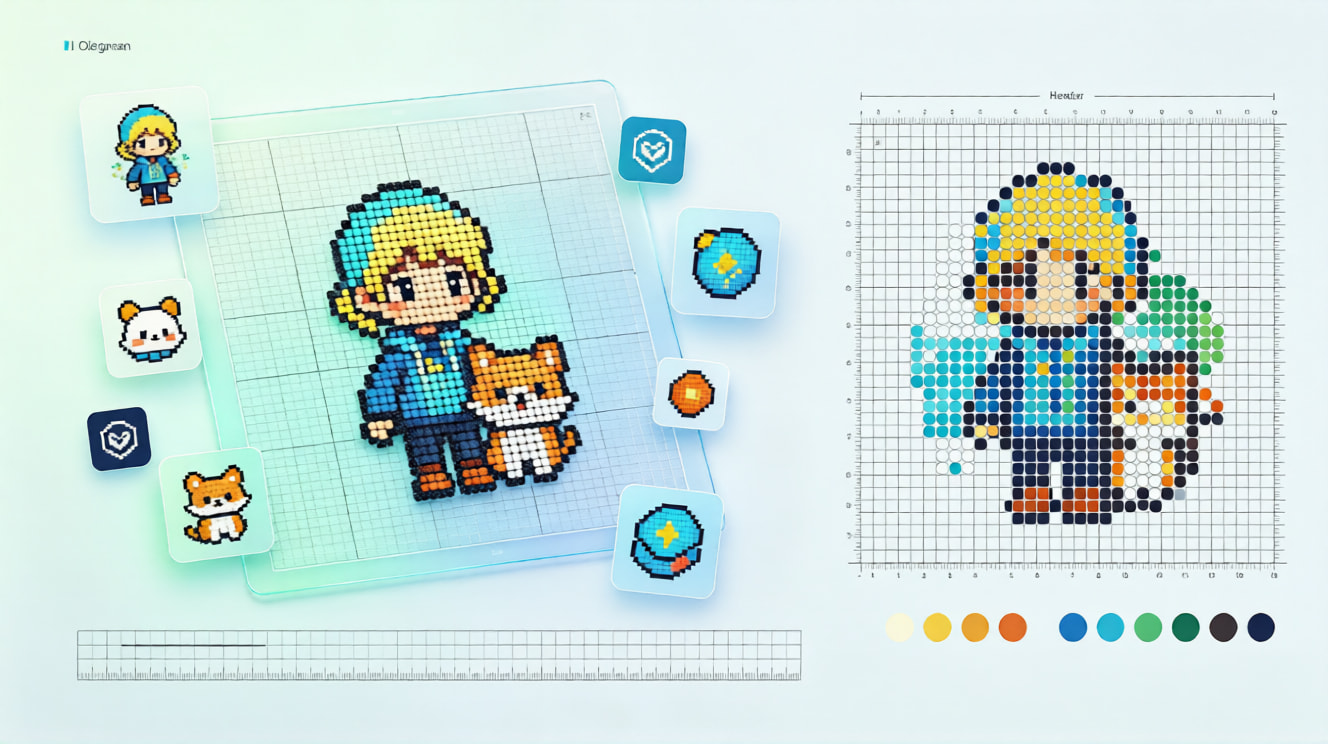
Turn portraits, pets, game sprites, logos, and illustrations into a structured bead pattern. Set a manageable grid width and preserve the proportions that make your design recognizable.
Use Realistic 5mm Palette Colors and Codes
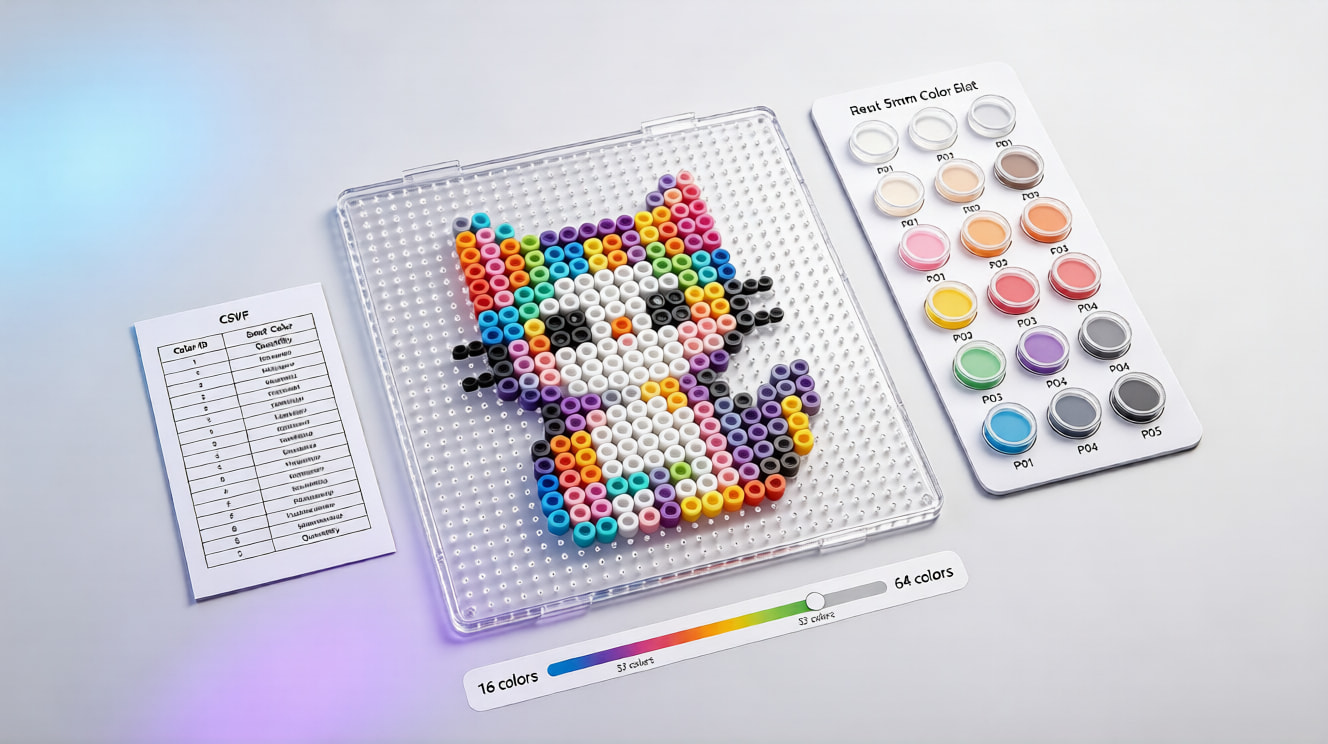
Map the artwork to a selected bead palette, including Perler-compatible color codes and custom CSV palettes. Limiting the color count helps balance visual detail, cost, and the number of colors to purchase.
Get an Editable Pattern and Materials List
Inspect the grid cell by cell, correct small details, and see the exact colors and quantities used after editing. Export the finished plan for printing, sharing, shopping, or future revisions.
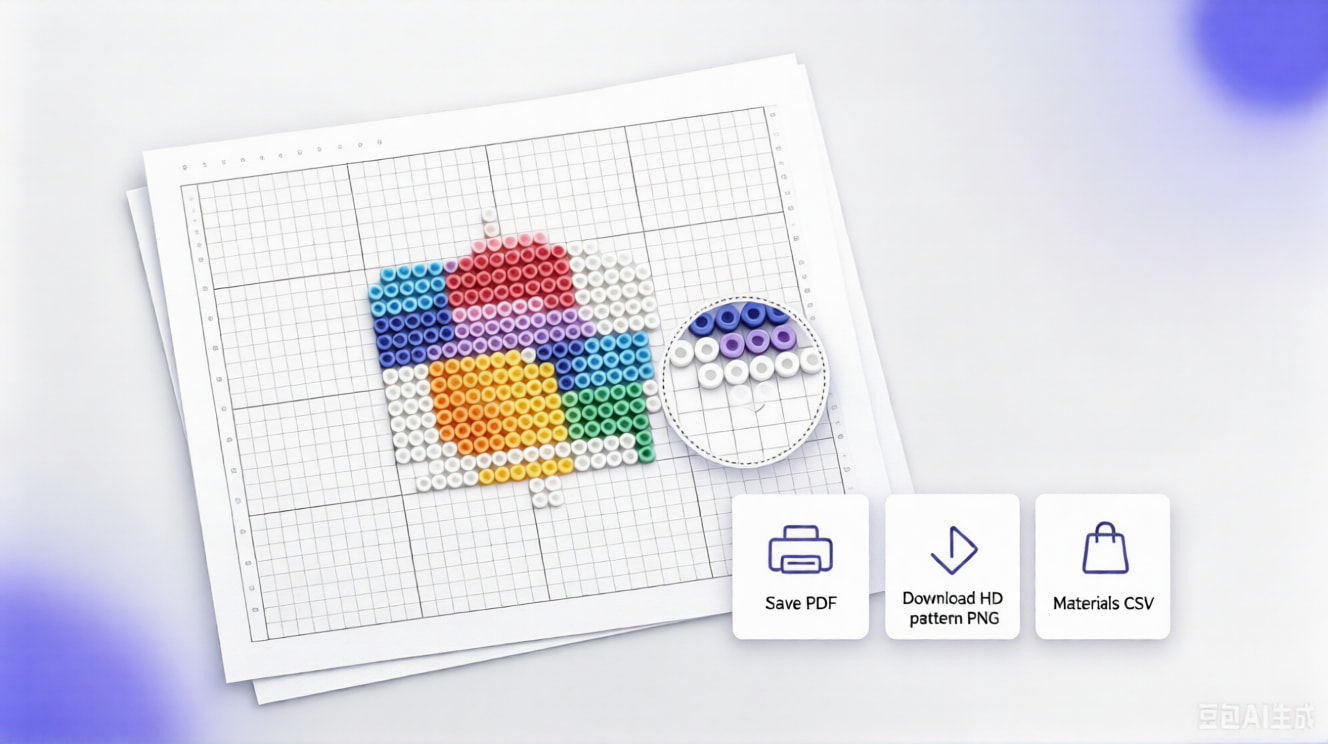
Turn Your Favorite Image into a Perler Pattern
Start with a photo, refine the bead grid, and leave with a printable pattern and color-coded materials list for your next fuse bead project.